Check these best android app for editing ID3 tags and edit metadata of music files
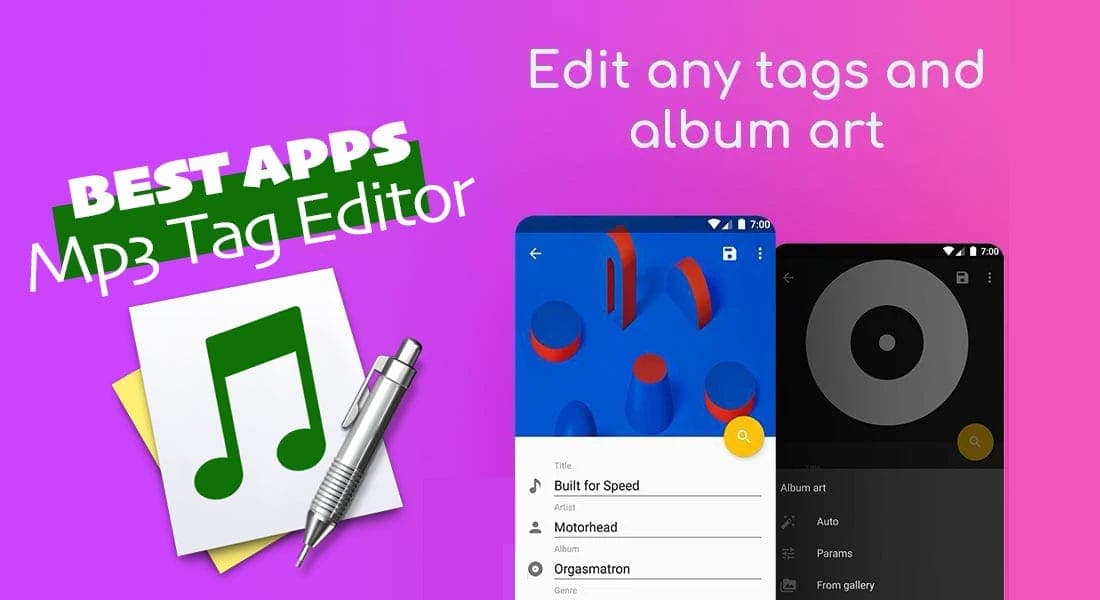
It’s no secret that many of us download mp3 songs from various sources, but after transferring music files to the android smartphone, they do not appear correctly or has misinformation. It’s because most public domain songs have altered information or different artworks. All you need is a good music tag editor app to fix your music metadata(called ID3 tags) such as artist name, album name, artwork, and more.
What are the best free music tag editor apps for android?
To display your music information properly on any music player app, you need to organize the songs library and use an mp3 tag app to fix missing pieces of information. Check out the following music tag editor for android smartphones to edit mp3 file information.
AudioTagger
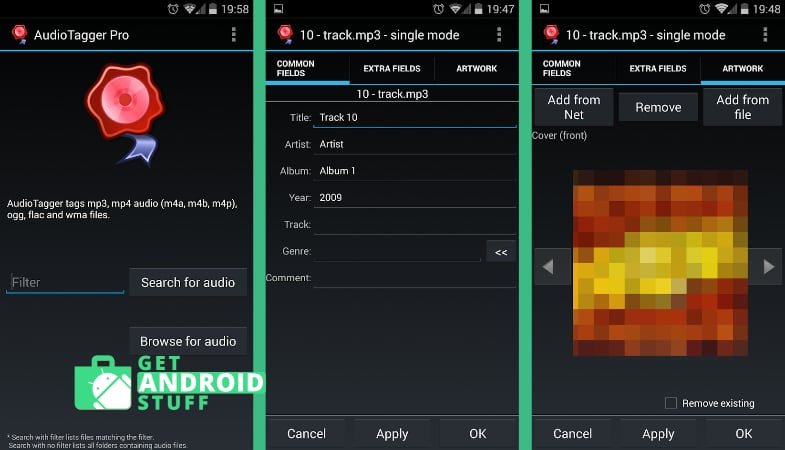
AudioTagger is a simple, comprehensive ID3 tagger app for android phones. The app links directly to the Amazon music service for artwork and tracklists, making it easy to find the right album and song artworks. If pulling information for the whole albums is your thing, AudioTagger is the easiest way to tag mo3 songs. The app also supports batch editing and allows for editing metadata for mp4, Ogg, and WMA files.
Star Music Player
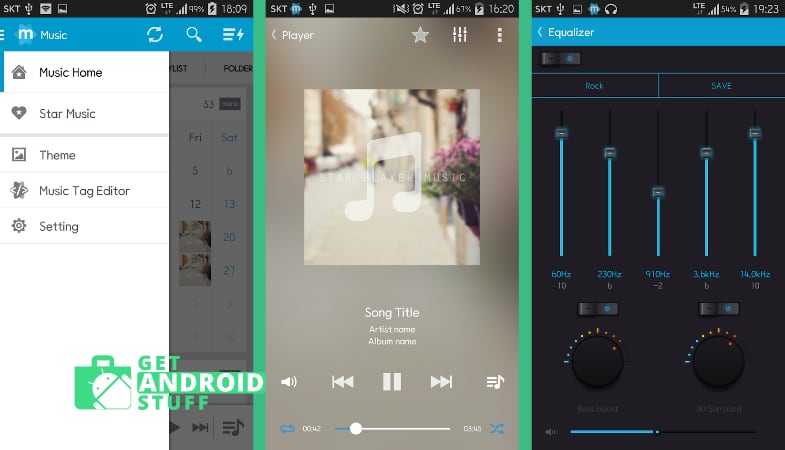
Star Music Player is a simple yet powerful music player for android phones. What makes it more appealing is the built-in music tag editor. Star Music Player has all the basic features of an ID3 editor built into a music app. Aditonnaly it comes with music widgets, supports Lyrics, and has an equalizer and bass booster feature.
Star Music Tag Editor
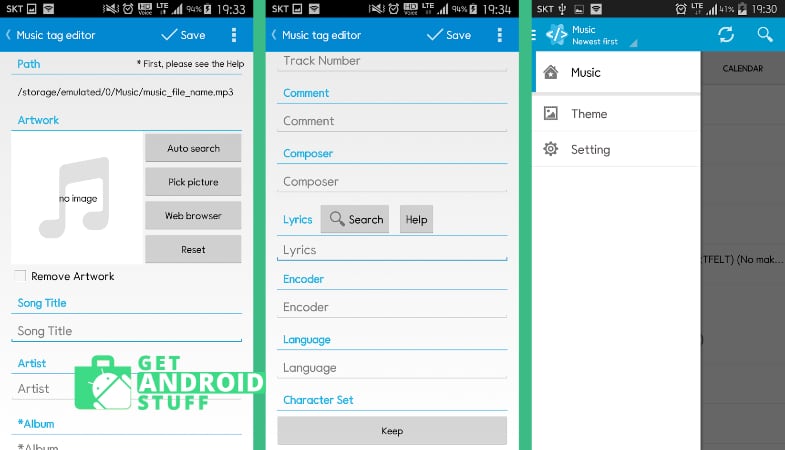
The star music player developer takes the tagging option and creates a dedicated Music Tag Editor with more polished functionalities. It can fix the song title, album title, artist name, download album cover, and add lyrics with just a tap. The app supports editing multiple files simultaneously and can fix files on an SD card as well. Star Music Tag Editor is one of the best mp3 tag editors for android.
Musicolet
Musicolet is another good-looking minimalistic music player app that can ID3 tags and works as a fully customizable music app. It’s a great app for anyone who wants more control over all their music. The Tag editor+ can edit mp3 tags and album-arts of multiple songs in a batch. Users can also organize the music library by moving or copying songs to different folders and Rename folders directly inside the app. Best of all, the free version of the app does not have any advertisements.
Automatic Tag Editor
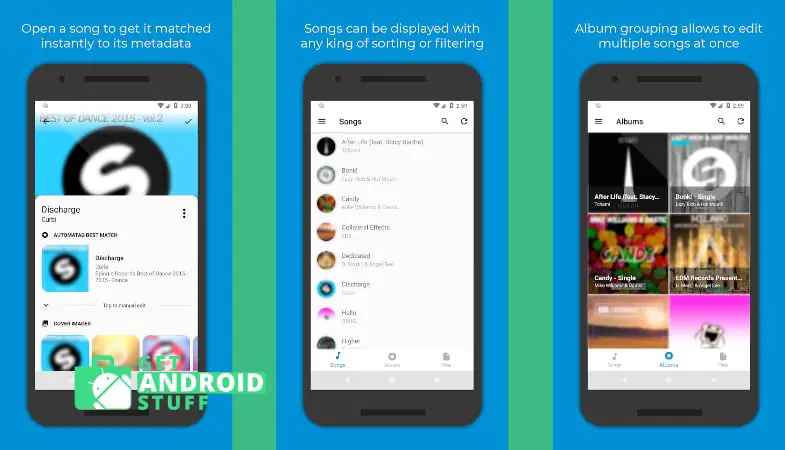
Automatic Tag Editor is a newer app that looks like doing a great job fixing song information. The app analyses your songs library and pulls the close tag matches from online in a few seconds. It also gives you multiple high res photos to choose the one you like as album art. Automatic Tag Editor supports the most popular music file format and basically allows for editing all kinds of information, including Title, Artist, Album Artist, Album, Genre, Year, Track number, Disc number, Lyrics, add Comment and so on.
n7player
Even though the name suggests N7player as a music listening app, it actually a full-featured tag editor. Besides, the app has tons of customization, online support for album artwork and lyrics. You can organize the entire music library with all the details – album arts, tags, lyrics. The built-in album art grabber is a handy option rather than finding the right image and upload. Many positive reviews point that you might fall in love with your music all over again.
Musixmatch
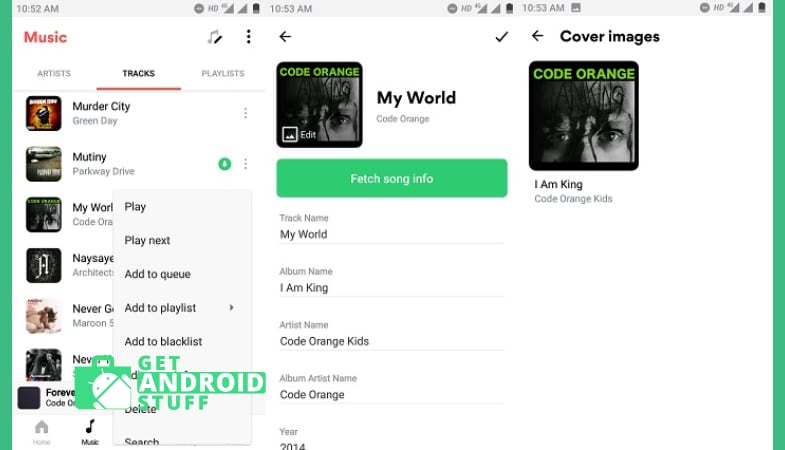
Don’t be surprised to see Musixmatch in this list. The famous music Lyrics finding app can also fix your existing songs by fetching song info and cover arts. You can simply tap on the three-dot menu alongside each song and chose to edit song info.
AutoTagger
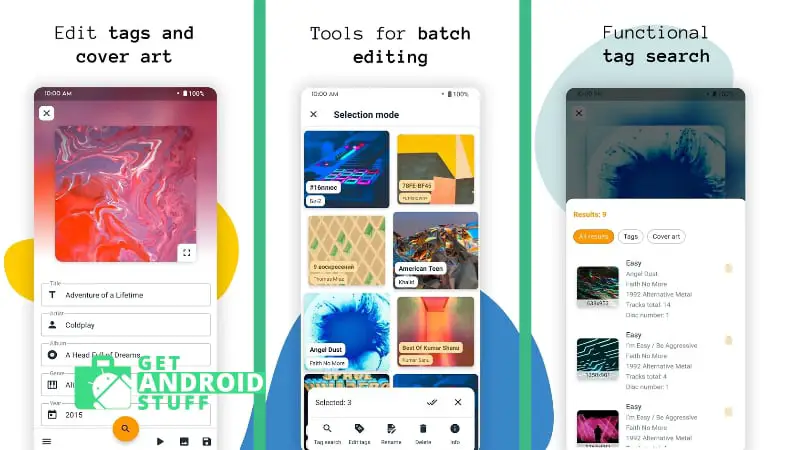
AutoTagger is a handy automatic and batch music tag editor for android devices. It can easily organize your messy music collection by finding and editing music tags, downloading high-quality cover art, and editing music in batches. You can also change cover art in batches. Another surprising option is the automatic search for tags by using music recognition.
Mp3 Tagger | Free Music Editor
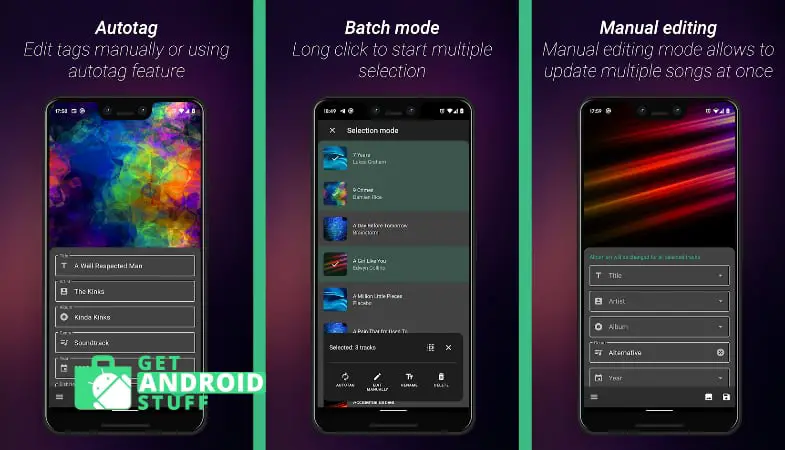
Mp3 Tagger | Free Music Editor is a popular Music Tag Editor for Android. It will correct the wrong metadata of your local audio files. You can use the auto tag option to correct the mp3 music tags and album arts automatically or manually fix it and choose the album art from the gallery.
ID3Fixer
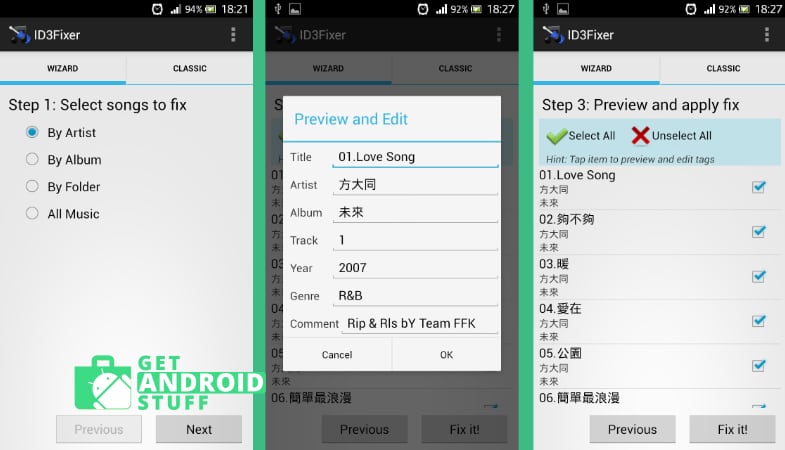
ID3Fixer is one of the oldest mp3 tag editing apps for android. It has been removed from the google play store, but you can still get it free from the Amazon AppStore. For when you have a lot of music from a few artists or a handful of big compilation albums, ID3 Fixer’s simple step-by-step interface makes short work of editing large numbers of similar tags. It lets you edit mp3 information in two ways. You can either fix tags in music files permanently by altering the original file or fixing the Android database, which does not affect the music files.
Try any or all of these free apps, and find the one that works best with your music collection. Regardless of what you choose, it’s going to make enjoying music on your Droid a whole lot easier.