Top iPhone & iPad Cloud Storage Apps: Secure, Sync, and Share Your Files

iCloud is Apple’s integrated cloud storage service designed to keep your files, photos, and backups synchronized across your Apple devices. It automatically updates your content, so you can access it from any device, whether it’s an iPhone, iPad, or Mac. With iCloud, you can store photos, videos, device backups, documents, and other important data, ensuring that you never run out of space on your devices while keeping your content organized and accessible.
When your iCloud storage reaches its limit, you’ll get an alert that space is running low. At this point, you can purchase more storage to ensure that your data continues to sync and update across devices. With flexible pricing options, iCloud offers 50GB for $0.99/month, 200GB for $2.99/month, and 2TB for $9.99/month, catering to a range of storage needs from individual users to families with large media libraries.
How to Check and Manage Your iCloud Storage
To check your iCloud storage on your iPhone or iPad:
- Open the Settings app and tap on your name at the top.
- Tap on iCloud to view the amount of iCloud storage you’ve used.
- Tap Storage or Manage Account Storage for a detailed breakdown of what’s consuming your storage.
To check your iCloud storage on your Mac:
- Click on the Apple menu and select System Settings.
- Click on Apple Account, then select iCloud.
- Tap Manage for further details about your iCloud usage.
iCloud is an excellent solution for Apple users looking for seamless, cross-device access to their data. Whether you need to store and organize your photos, ensure your backups are up to date, or simply free up space, iCloud’s features provide convenience and flexibility for all your cloud storage needs.
What are the top Cloud Storage Apps in the App Store?


Dropbox is a powerful cloud storage app that seamlessly stores, organizes, and transfers files across multiple devices to increase productivity. Its primary function is to offer automatic photo and video backups, making it easy for users to sync content. Additionally, Dropbox supports over 175 file types, allowing users to preview documents, images, and videos without needing extra software. With advanced sharing capabilities, users can send large files to anyone, even if they don’t have a Dropbox account, simply by sharing a link.
Dropbox also focuses heavily on privacy and security, using strong encryption to protect user data. However, it does require access to your camera and microphone, which could be seen as an issue for privacy-conscious individuals. The app works across various platforms, including iOS, Android, and desktop, and offers offline file access. While its free storage tier is limited, the paid options provide ample space for users with larger storage needs, with great file-sharing features and syncing capabilities.


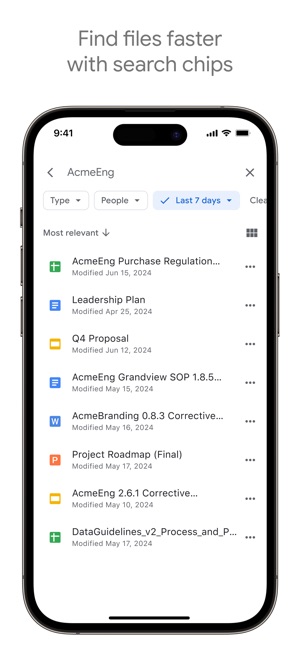

As part of Google Workspace, Google Drive integrates seamlessly with Google’s suite of productivity tools, making it an ideal choice for both personal and professional use. Users can store and access over 100 different file types, including PDFs, office documents, and videos. The ability to quickly search for files by name or content ensures that even large file collections remain organized and easy to navigate. Additionally, Google Drive allows users to scan and upload paper documents using their device’s camera, offering a convenient solution for digitizing physical content.
One of its standout features is the ability to work offline, ensuring that files are always accessible, even without internet connection. Privacy and security are well-managed with Google’s robust encryption methods. While Google Drive offers 15GB of free storage, which is also starred with Google Photos, users who require more space can easily upgrade to Google Workspace or Google One for additional storage options. Google Drive is an excellent choice for anyone looking for a cloud storage solution that integrates well with productivity tools and offers flexibility in managing files across devices. It is especially useful for users who rely on Google’s ecosystem and need a reliable, secure, and collaborative platform for personal and professional file management.


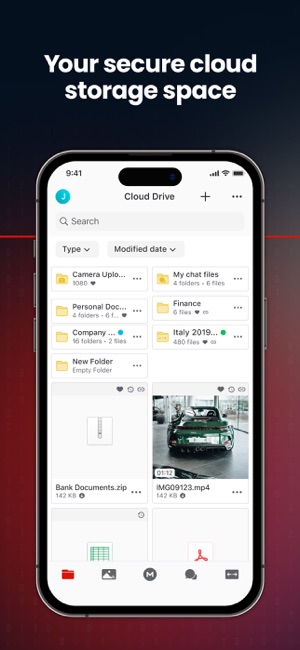
MEGA is another good cloud storage app emphasizing security with end-to-end encryption, meaning that your data is encrypted and decrypted on your devices alone—never by MEGA. This offers users a higher level of privacy compared to other cloud storage providers. With MEGA, you can easily upload files from your smartphone or tablet, store them securely, and access them from any device at any time. The app also allows you to share files and folders with contacts and keep track of updates in real time.
MEGA also integrates end-to-end encryption for messages, audio, and video calls, making it a great option for secure communication. However, users must be cautious, as losing their password and account recovery key can result in permanent data loss. While the app offers generous free storage (MEGA offers 20GB of free storage), it’s worth noting that paid subscriptions provide more space and additional features. Compared to alternatives like Google Drive and Dropbox, MEGA’s unique selling point is its emphasis on privacy and zero-knowledge encryption, though its user interface could be improved for an even smoother experience. MEGA is highly recommended for users who prioritize privacy and need secure, encrypted cloud storage.


OneDrive is a top tier Cloud storage solution for individuals and families, allowing users to back up photos, videos, and files securely. OneDrive offers seamless integration with Microsoft’s suite of office apps, such as Word, Excel, and PowerPoint, enabling users to store, access, and collaborate on documents across devices. A standout feature of OneDrive is its ability to back up photos and videos from your phone automatically and access files offline. It also provides enhanced security with features like two-factor authentication, Personal Vault for protecting sensitive files, and ransomware detection. OneDrive’s tight integration with Microsoft 365 adds value by offering up to 1TB of storage, collaboration tools, and premium security features, making it a comprehensive cloud storage service.
It also supports automatic syncing across devices, ensuring your files are always up-to-date. OneDrive does request permissions for photos, videos, and contacts, which is standard for cloud storage apps. However, the app’s main drawback is its full range of features, including advanced storage options and security, are only available with a Microsoft 365 subscription. While the 5 GB of free storage is a good starting point, users looking for more storage will need to upgrade.

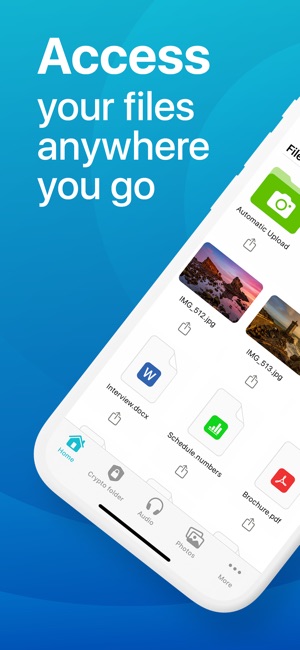


pCloud offers secure and efficient cloud storage for your photos, videos, and documents, providing users with access across all their devices. Upon signing up, you get up to 10GB of free storage, with options to upgrade to premium plans offering up to 2TB. The automatic backup functionality is excellent, which allows you to free up space on your device while ensuring your photos and videos are safely stored in the cloud. Additionally, pCloud offers a seamless file-sharing experience, allowing users to send large files without needing others to have a pCloud account.
pCloud’s unique selling point is its military-grade file encryption, ensuring that your sensitive files remain private. Premium plans offer features like no file size limits for uploads and enhanced security with pCloud Encryption, making it a versatile option for both personal and business use. However, users should be aware that certain features, such as encryption and additional storage, come with a cost, either via subscription or a one-time purchase.

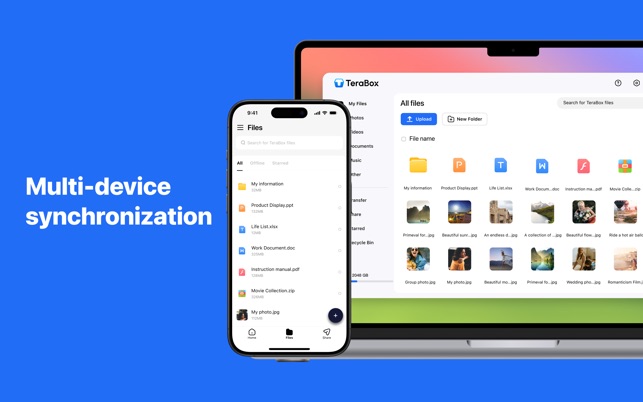
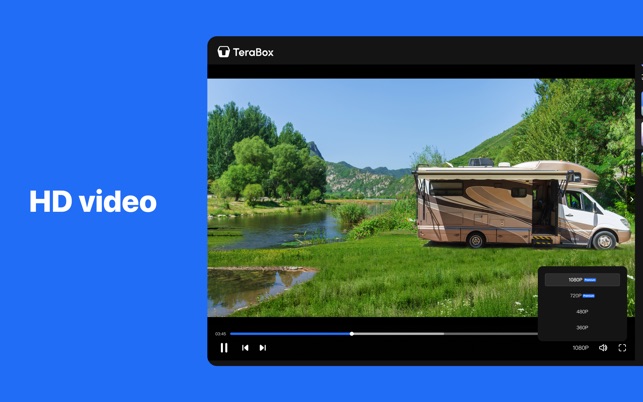
TeraBox offers a generous 1TB of free cloud storage, allowing you to easily store documents, videos, and large files. While the app itself is intuitive and user-friendly, there’s a catch—getting the full 1TB of storage isn’t entirely straightforward. You’ll need to follow several steps to unlock this free storage, including inviting friends, completing certain in-app tasks, or using the app on your phone to receive detailed instructions on how to claim the 1TB offer. Additionally, you may be prompted to try out a premium subscription trial before gaining access to the free space.
TeraBox also offers advanced features such as automatic file backup, intelligent photo album organization, and the ability to share large files privately with customizable links. The app’s features, including multi-device sync and sharing, are solid, but be prepared to jump through a few hoops to take advantage of the free space fully. For those willing to invest time in the setup process, TeraBox offers a valuable and feature-packed cloud storage solution, especially for video storage and file sharing. Also so, the user seems not really happy with the download and upload speed limit.



Degoo offers 20 GB of free cloud storage, making it an attractive option for those who primarily want to back up photos, videos, and documents. With its focus on security, Degoo encrypts all files using military-grade encryption, ensuring your data is safe. The service also boasts reliability by storing triple copies of each file, so you can rest assured that your files will be accessible whenever you need them. The app’s automatic backup feature makes it easy to keep your files up to date, automatically detecting new photos or added files. This removes the need for manual backups, giving users peace of mind. Degoo’s cloud drive is always online, allowing you to restore your files from any computer, anywhere in the world.
However, the free storage of 20 GB might be limiting for users with large media libraries or those who need more space for documents. While additional storage can be accessed through premium accounts, users might find that they need to upgrade if their storage needs exceed the free allotment.


Proton Drive offers secure and private storage with 5 GB of free storage and the option to upgrade up to 1 TB. Proton Drive allows you to back up and store photos, videos, documents, and other files with end-to-end encryption, ensuring that only you and the people you choose can access your content. The app adheres to Swiss privacy laws, making it an ideal choice for privacy-conscious users. Additionally, Proton Drive provides secure file sharing with customizable link settings, including password protection and expiration dates.
The app’s design is minimalistic yet functional, ensuring that users can quickly access their files and manage content. Its offline functionality ensures access to files even without an internet connection, which is useful when traveling. The app also supports cross-device syncing, allowing files to be accessed on mobile and desktop devices. Privacy and security are top-notch, with biometric and PIN protection for added security. However, the free storage could be limiting for those who need more space, and additional premium plans may be required for users with extensive storage needs.

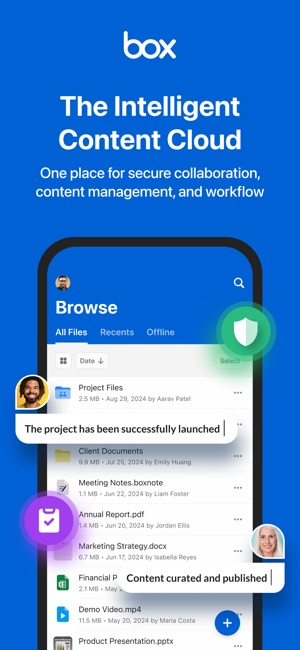
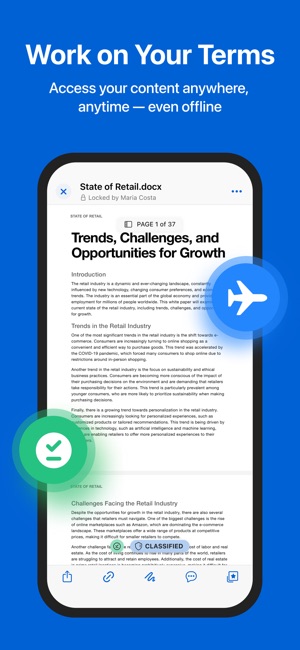

Box is a versatile cloud storage app that stands out for its ability to securely store, manage, and share various types of files with 10 GB of free storage and the ability to upgrade for more space, it offers users a comprehensive suite of features. The app allows seamless collaboration, real-time file editing, annotation, and commenting, making it perfect for teams working on shared projects. Box is highly secure, with enterprise-level security controls, file-level encryption, and compliance with industry standards, ensuring that sensitive data remains protected.
The user interface of Box is intuitive and visually appealing, with easy navigation and quick access to files. Its search functionality is robust, allowing users to locate files by name or content type, including inside PDFs and Office documents. Box also provides offline access, making it convenient for users to work on documents without needing an internet connection. The app’s scanning features, including OCR capabilities, enable users to scan documents, receipts, and invoices and convert them into searchable PDFs. However, while the free 10 GB storage is useful, power users may find the storage limit restrictive and may need to upgrade to the Personal Pro plan.

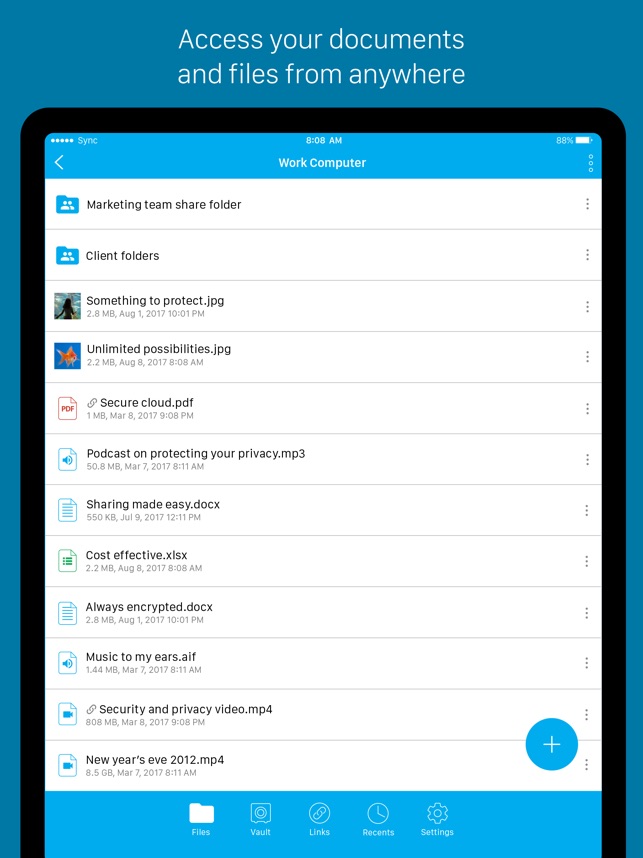
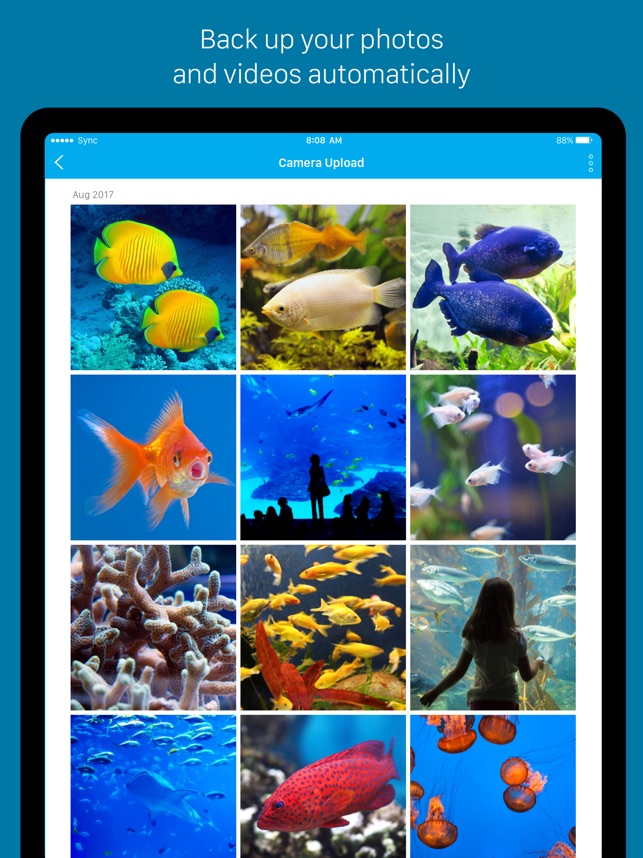

Sync is a secure cloud storage app offers 5 GB of free encrypted storage and ensures that your files, photos, and videos are protected with end-to-end encryption. The app allows you to access your content across devices, whether on your phone, tablet, or computer, making it a convenient solution for managing files on the go. With Sync, you can easily upload photos, videos, and documents, and share large files with links, a feature particularly useful for users needing to send large media files without hassle. Additionally, Sync supports collaboration through shared folders, making it a good option for team-based work.
The app’s design is clean and easy to navigate, and its ability to work across multiple devices without compromising security is a major plus. However, the 5 GB of free storage may be limiting for those with large file storage needs, and the app’s collaboration features are more basic compared to enterprise-focused cloud services like Box or Dropbox.
In this guide, we’ve explored a variety of cloud storage apps, each offering unique features and free storage limits to help you secure and manage your files. From MEGA’s 20 GB free storage and robust encryption to TeraBox’s 1 TB of free space and Proton Drive’s strong privacy focus with Swiss laws, each app offers solid advantages tailored to different needs. Whether you’re looking for a secure way to store your photos, collaborate on documents, or simply back up important files, there’s a solution here for everyone. Don’t hesitate to dive into the apps and explore their features for a better storage experience. Let us know which one you like the most.