Top free tools to download videos online – from YouTube, TikTok, and Instagram to Social Media Clips
Most online video downloader tools work fine right up until the moment you actually need them, and then you hit a wall of pop-ups, a fake play button disguised as a download link, or a file that turns out to be an .exe installer instead of your video. I tested ten of the most-used online video downloaders against real links from YouTube, TikTok, Instagram, and Facebook to see which ones actually deliver a clean file without the ad gauntlet most of this category is built on.
My criteria: does it work without installing software, does it ask for anything it shouldn’t, and is the download you get the file you actually wanted. Some of these are genuinely good. A couple exist mainly to harvest ad clicks. I’ll tell you which is which.
What to look for in an online video downloader
This category has more scam-adjacent sites than almost any other “free tool” niche, so knowing what to avoid matters as much as knowing what to use.
- The multi-tab trick: Some sites, Y2Mate being the most notorious example, open two or three new browser tabs the moment you click download, each one a different ad network. A legitimate downloader gives you a file, not a tab explosion.
- Fake installers: Never trust a downloader that hands you an .exe or .dmg file for what should be a simple video download. That is a common malware delivery method disguised as a “helper app” or “required codec.” A real download is a media file, full stop.
- Login requests: Be suspicious of any tool asking you to sign in to YouTube, Instagram, or TikTok to “verify” the download. Legitimate downloaders only need the public URL. Login prompts exist to harvest credentials, not to help you.
- Redirect chains: Check whether ads are contained to the page or actively redirect you elsewhere. Contained ads are annoying. Redirect chains are a sign to close the tab.
Cobalt
SaveFrom.net
ClipGrab
ScreenApp
AmoyShare
PasteDownload
SmallSEOTools
DupliChecker
AceThinker
yt-dlp
How to download videos from any website for free – Reviews
Cobalt: Best Ad-Free Online Video Downloader (No YouTube Support)
Pros
- Zero ads, zero tracking, fully open source codebase
- Processes files on-device when possible instead of routing through a server
Cons
- Does not support YouTube downloads at all
- Smaller platform list than mainstream alternatives
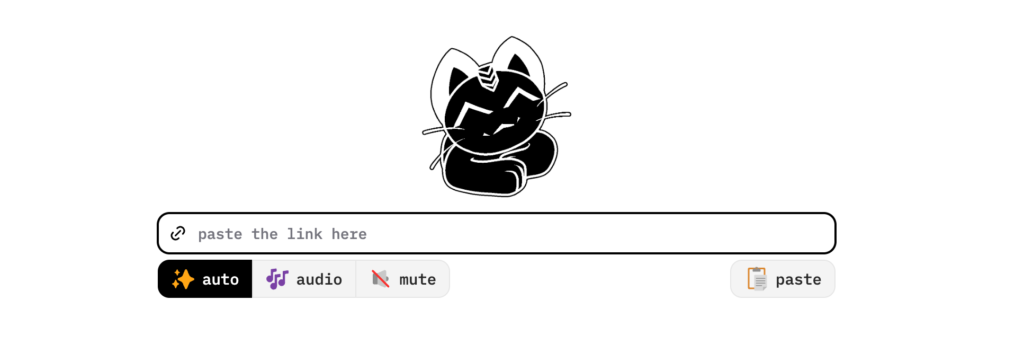
Cobalt is the only tool on this list with no ads, no tracking, and no account wall, and it actually delivers on that promise. It is open source, processes files on your own device when possible rather than routing everything through a server, and the interface is just a paste box and a download button. No banner ads fighting for your attention, no redirect chains, nothing.
The platform list is wide: TikTok, Instagram, X, Reddit, SoundCloud, and dozens more, all without watermarks. Quality options are clearly labeled before you commit to a download, which sounds basic until you compare it to sites that bury the resolution choice behind three more clicks.
The real caveat: Cobalt does not support YouTube downloads. That restriction is intentional on their end, almost certainly to avoid the legal pressure that has hit similar tools. If YouTube is your main use case, pair this with SaveFrom or yt-dlp below. For everything else, Cobalt is the cleanest experience in this entire category, and it is free.
SaveFrom.net: Online Video Downloader Free Option for Quick YouTube Grabs
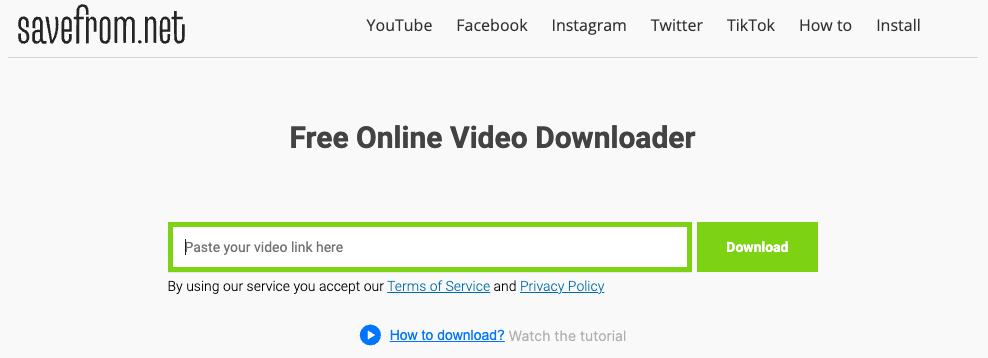
SaveFrom.net is a simple and efficient video downloader that allows users to easily download videos from platforms like YouTube, Vimeo, and Facebook. Its primary function is straightforward—paste the video URL, and the site takes care of the rest. The main appeal lies in its simplicity and speed, as there’s no need to install any software. Users can download videos quickly and effortlessly.
Pros
- No account required and no download cap on the free web version
- Supports 40+ platforms including YouTube, Facebook, and TikTok
Cons
- 1080p+ YouTube downloads often split video and audio into separate files
- Browser extension has a documented history of injecting affiliate codes and tracking
SaveFrom.net has been the default answer to “how do I download this video” since 2008, and in 2026 it still works, with caveats worth knowing before you rely on it. The free web version reliably handles YouTube downloads up to 720p with audio intact. Push for 1080p or higher and YouTube’s streaming protocol often splits the file into video without sound and audio without video, a known limitation of the browser-based tool.
Forty-plus platforms are supported, there is no download cap, and audio extraction to MP3 works cleanly. The catch is the ad environment. Without a blocker running, you will hit pop-ups and redirect attempts on nearly every visit. The official browser extension has a documented history of injecting affiliate codes and sending browsing data to third parties, flagged by researchers and removed from the Chrome Web Store once already.
Use the website with an ad blocker for quick one-off downloads. Skip the extension entirely. For anything beyond casual use, the alternatives further down this list are safer bets.
ClipGrab: Best Free Desktop Video Downloader for YouTube and Vimeo
Pros
- Fully open source and completely ad-free, no upsell pressure
- Works identically on Windows, Mac, and Linux
Cons
- Supported site list is shorter than browser-based alternatives
- Requires installing a desktop app rather than working purely in-browser
Download ClipGrab Video Downloader
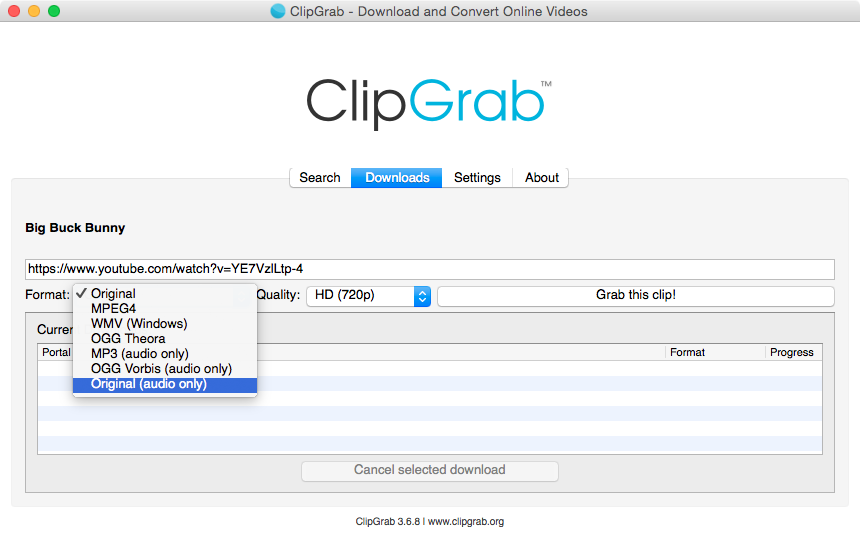
ClipGrab earns its spot by being the rare desktop tool that is genuinely free, open source, and ad-free, with none of the upsell pressure that has crept into most “free” downloaders. It installs in under a minute on Windows, Mac, or Linux, and the workflow is exactly as simple as the category needs: paste a URL, pick a format, click grab.
Output formats cover MP4, WMV, and OGG, with a built-in quality selector so you are not stuck guessing what resolution you will get. It handles YouTube and Vimeo reliably, though the supported site list is noticeably shorter than browser-based tools like ScreenApp or AmoyShare that claim 500 or 1000-plus platforms.
The trade-off for that smaller scope is reliability. ClipGrab does not change behavior every time a streaming site updates its code, which is a real problem for purely browser-based downloaders. If your downloading is mostly YouTube and Vimeo, and you want a desktop app you can trust without checking for malware afterward, ClipGrab is the cleanest option here. Below is a step-by-step guide to download videos from online.
- Copy the Video Link
Once you have installed ClipGrab, launch the program. Open your browser and find the video you want to download. Copy the URL of the video from the address bar (Ctrl+C for Windows or Cmd+C for Mac). - Install ClipGrab
First, download and install ClipGrab, which is free and compatible with Windows, Mac, and Linux. Simply go to the ClipGrab website and click on the download button to get the software. - Insert the Link into ClipGrab
Switch back to the ClipGrab window. In the “Downloads” tab, paste the copied URL into the input field (Ctrl+V for Windows or Cmd+V for Mac). ClipGrab will automatically fetch the video information. - Select the Download Format and Quality
Before downloading, choose the desired output format and video quality. ClipGrab allows you to save videos in various formats, such as MP4, WMV, and OGG, and lets you select the video quality based on your preferences. - Grab the Clip!
After selecting the format and quality, click the “Grab this clip!” button. You’ll be prompted to choose a file name and destination folder, and then the download will begin.
ScreenApp: Best Premium Online Video Downloader for Frequent Use
Pros
- Supports over 1,000 sites including Discord attachments
- TikTok downloads come through without the platform watermark
Cons
- Free tier limited to 3 downloads per month
- Unlimited use requires a $19/month subscription
Try ScreenApp Video Downloader
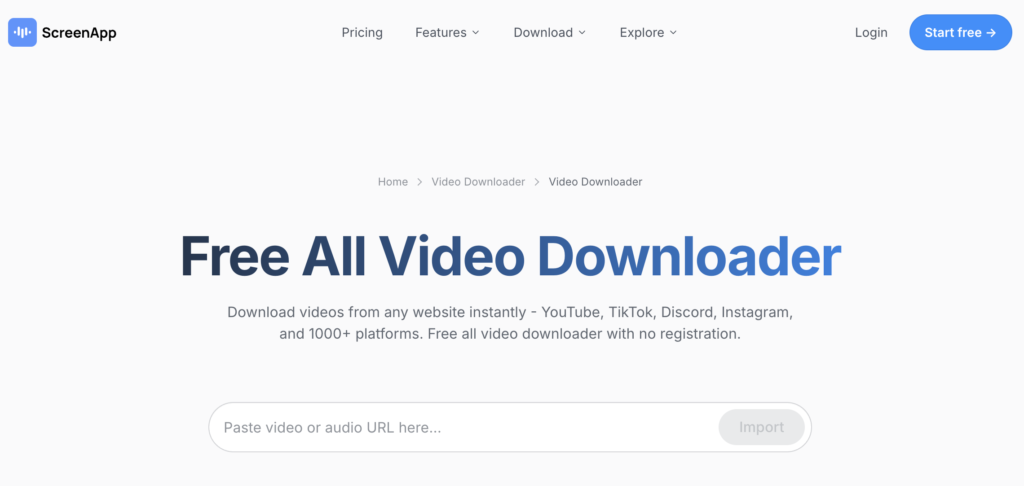
ScreenApp is the most modern entry on this list, and it shows in small details older downloaders skip entirely: a quality preview before download, support for over 1,000 sites, including Discord attachments, and zero pop-ups during the actual download flow.
The free tier gives you three downloads a month, fine for occasional use and frustrating if you download often. Unlimited use runs $19 a month on the annual plan, putting ScreenApp in a different category from the fully free tools here. What you get for that price is consistency: the same clean experience every time, no ad rotation, no redirect chains, no surprise installer.
TikTok downloads come through without the platform watermark, which not every tool here manages. 4K support is available where the source offers it, mainly YouTube and Vimeo. If you download a handful of videos a month and want zero risk of landing on a sketchy page, the free tier is worth using. If you download daily, the subscription is the most stress-free option on this list.
This downloader is compatible with a variety of Flash-enabled video streaming sites like YouTube and Dailymotion, making it versatile for users who want to download videos from different platforms. The ability to convert downloaded videos to different formats ensures that the videos can be played on various devices or used for other purposes, such as audio extraction.
While the app is practical and easy to use, there are some drawbacks. The toolbar, though functional, can be intrusive, and it doesn’t automatically convert downloaded videos, which may require extra steps for users who need videos in a different format. Additionally, the program includes unnecessary search add-ons, and its interface feels outdated compared to more modern downloaders. Despite these limitations, SpeedBit Video Downloader remains a solid choice for users looking for a simple video downloader with conversion capabilities.
AmoyShare: Best No-Friction Free Online Video Downloader
Pros
- Supports 500+ sites without requiring an account
- Lets you preview the video before committing to a download
Cons
- No batch downloading or playlist support on the free tool
- Pushes the paid AnyVid upgrade, though it’s not required for normal use
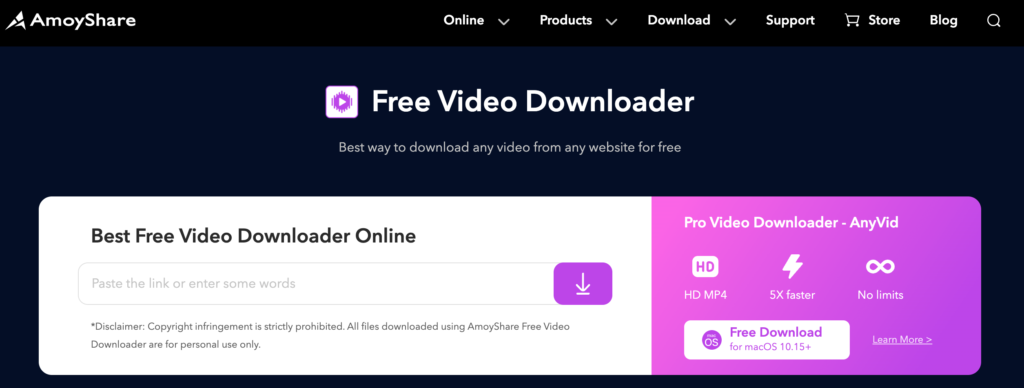
AmoyShare Free Video Downloader keeps things simple in a way that works in its favor: paste a link or search a title, preview the result, choose MP4, done. No account, no software install, and the interface holds up fine on a phone browser as well as a desktop.
Coverage runs to 500-plus sites, including Twitter, TikTok, Instagram, Twitch, and Niconico, which covers most of what a casual user actually needs without forcing you to hunt for a niche-specific tool. Previewing the video before download is a small feature that saves real time when you grab the wrong link by accident.
AmoyShare also pushes its paid sibling, AnyVid, which adds 5x faster downloads and batch processing for 1,000-plus sites. You do not need it for normal use. The free tool covers everything most people will ever ask of a video downloader, and it does not bury that fact behind aggressive upsell prompts the way some competitors do. A solid, no-friction default choice.
PasteDownload: Simple Online Video Downloader With No Account Required
Pros
- No account screen or upsell modal blocking the first step
- Site notes daily updates to keep pace with platform changes
Cons
- No batch downloading or playlist support
- Interface is plain rather than polished
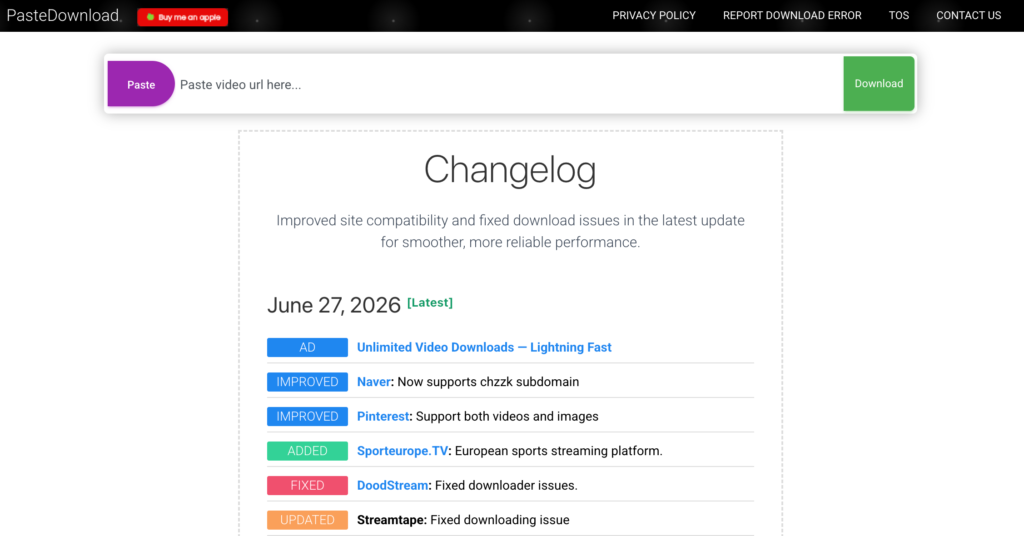
PasteDownload does exactly what its name says and nothing more, which after testing several tools that try to do everything, started to feel like a genuine selling point. Copy a link, paste it into the box, choose a format, download. No account screen blocking the first step, no upsell modal before you can see your options.
Support covers the usual major platforms: Instagram, TikTok, Facebook, and YouTube, with the site noting daily updates to keep pace with platform changes that tend to break less-maintained downloaders. Output is MP4 for video and MP3 for audio, with available quality depending on what the source video offers.
There is no desktop app, no browser extension, and no account system to manage, which keeps the attack surface small if privacy is a concern. The interface is plain rather than polished, and you will not find batch downloading or playlist support here. For a single video grabbed quickly without any setup, PasteDownload is a reliable, low-stakes choice.
Orbit Video Downloader: Powerful Download Manager
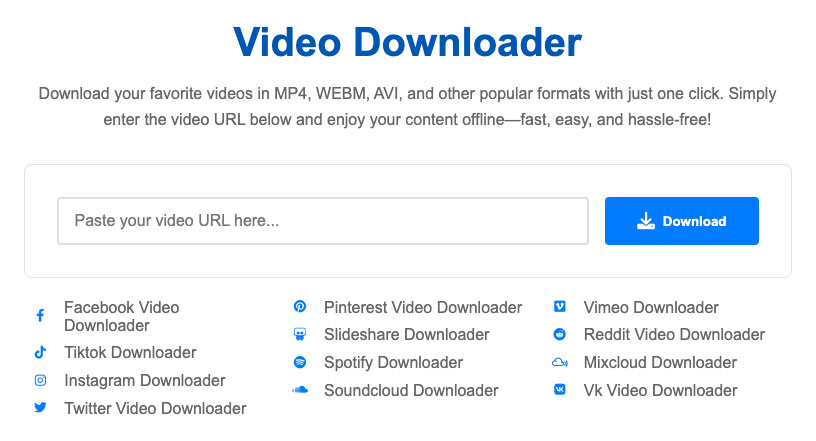
Orbit Downloader is a powerful download manager for Windows designed to help users download audio, videos, and files from music streaming sites and video streaming websites. It works seamlessly with popular browsers such as Firefox, Internet Explorer, Opera, Netscape, and Maxthon, ensuring compatibility across different platforms. One of its standout features is the ability to download multiple videos simultaneously, which significantly improves efficiency for users who need to grab content from various sources at once.
Orbit Downloader supports a range of file types, making it versatile for downloading videos and music from a variety of sites. Whether you’re grabbing videos from streaming platforms or downloading audio files, Orbit Downloader provides a reliable and convenient solution for managing your downloads.
The most useful feature is the built-in browser with auto detects videos and a one-tap download option. It also integrates a powerful download manager that allows you to control various downloading options such as pause/resume, multiple downloads, background downloading, and more. Users can even save downloaded files in a password-protected folder.
SmallSEOTools: Free Online Video Downloader Bundled Into a Larger Toolkit
Pros
- No registration required, works from any browser or device
- Reliable for mainstream platforms like YouTube, Facebook, and Instagram
Cons
- No 4K support, unlike dedicated downloaders
- Carries ad inventory from the larger SEO-tool platform
Try SmallSEOTools Video Downloader
SmallSEOTools built its video downloader as one tool inside a much larger suite of free web utilities, and the downloader inherits the same no-nonsense approach as the rest of the site. Paste a URL, the backend fetches available formats, you pick one and download. No registration, no software, works from any browser on any device.
Quality output is solid for standard definition and HD content, though the tool does not claim 4K support the way dedicated downloaders like ScreenApp or AceThinker do. Where it holds its own is reliability for everyday platforms: YouTube, Facebook, Instagram, and similar mainstream sources work consistently without the frequent breakage that hits smaller, less-maintained tools.
Being part of a larger SEO-tool platform means the page carries some ad inventory, though nothing close to the redirect-heavy experience on sites like SaveFrom. If you already use SmallSEOTools for other free utilities, the video downloader is a convenient bonus rather than a reason to visit on its own, and it does the basic job without complications.
DupliChecker: Best Multilingual Online Video Downloader
Pros
- Interface available in ten languages
- No signup required and no daily download limit
Cons
- No batch downloads, playlist support, or 4K
- Feature set stops at the basics
DupliChecker rounds out the free-tool category with a video downloader that prioritizes accessibility over feature depth. The interface supports ten languages, a genuinely useful detail for non-English speakers that most competitors on this list skip entirely.
Resolution choices run from 360p up through 1080p, letting you balance file size against quality depending on what you actually need the video for. Supported formats include MP4, WebM, and MKV, covering most playback scenarios without forcing a conversion step afterward. No signup is required at any point in the process, and there is no daily limit on how many videos you can pull.
The tool is solid for what it promises, but does not push past the basics: no batch downloads, no playlist support, no 4K. If you mainly need a quick way to grab a single video without account walls, language barriers, or aggressive upsells, DupliChecker handles that cleanly. It will not replace a dedicated power-user tool, but it was never trying to.
AceThinker: Online Video Downloader Free Trial Before a Paid Upgrade
Pros
- Works across Windows, Mac, Android, and iOS browsers
- Downloads run without watermarks and the site is antivirus-verified
Cons
- Free tier capped at just 5 HD downloads
- Persistent upsell prompts once you hit the cap
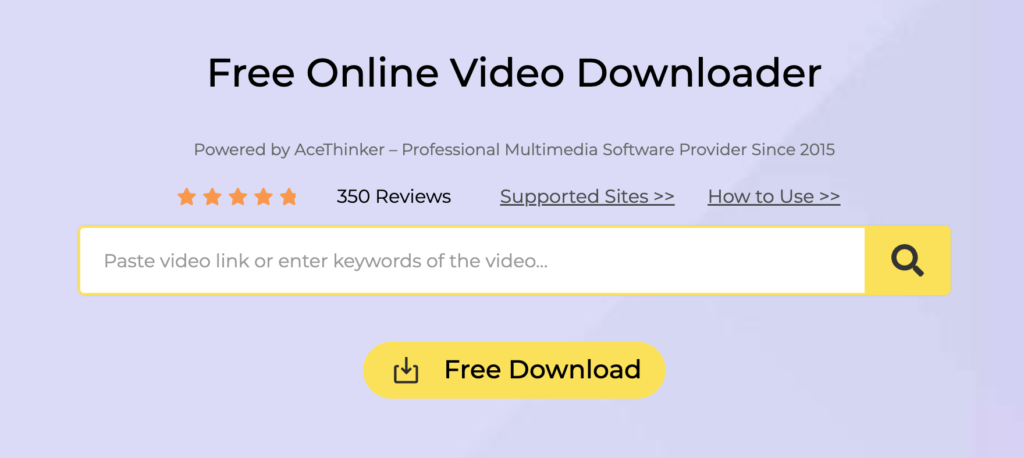
AceThinker takes the freemium model further than most: the free tier gives you five HD downloads before nudging you toward the paid Pro Media Downloader, which adds unlimited batch downloads and faster speeds across 1,000-plus supported sites. That ceiling is low enough that regular users will hit it within a week.
What you get during the free window is genuinely solid. The interface works across Windows, Mac, Android, and iOS browsers, with no compatibility issues across Chrome, Firefox, Edge, or Safari. Downloads run without watermarks, and the site has been checked against major antivirus engines, which matters in a category where bundled malware is a real risk.
Once you hit the five-download cap, the upsell prompts become persistent. For a one-time need or a quick test before committing elsewhere, the free tier works without complaint. For regular use, you are functionally evaluating a paid product. Worth trying once, but the free tier here exists mainly to sell the subscription rather than stand on its own.
yt-dlp: Most Powerful Video Downloader for Command-Line Users
Pros
- Supports over 1,700 sites, more than any browser-based tool here
- Completely free with no ads, tracking, or subscription tier
Cons
- No graphical interface — command line only
- Steeper learning curve than any paste-a-link tool
yt-dlp is not an online tool in the browser-based sense, and it does not belong on this list by the strictest definition of “online video downloader.” It earns its place anyway because it is the single most capable option here, and ignoring it would shortchange anyone who downloads regularly.
It is a free, open-source command-line tool that runs on Windows, Mac, and Linux, supporting over 1,700 sites, more than any browser-based competitor on this list. There are no ads, no tracking, no download caps, and no subscription tier waiting behind a paywall. Playlists, subtitles, and batch jobs are all handled natively through command flags.
The barrier is the terminal. There is no graphical interface, no paste-a-link box, and getting comfortable with command syntax takes longer than any other tool here. Several GUI wrappers exist if you want yt-dlp’s engine without the command line, worth searching separately. For anyone willing to spend twenty minutes learning the basics, yt-dlp outperforms every paid and free tool on this list combined.
Which Online Video Downloader Should You Actually Use?
The right online video downloader depends on what you are actually downloading and how often. Cobalt is the cleanest experience here and the one I reach for first, with the honest caveat that it skips YouTube entirely. For YouTube specifically, SaveFrom still works if you run an ad blocker, or yt-dlp if you are comfortable with a command line and want the most capable tool on this list, full stop. ClipGrab is the better desktop pick if you want something installable without the malware risk that haunts this category. ScreenApp and AceThinker make sense if you would rather pay a small amount for a consistently clean experience than deal with ads.
Whatever you choose, treat any tool that wants an install, a login, or opens extra tabs as a red flag. Which one do you actually use? Tell me in the comments.
Each of these online video downloader brings something unique to the table, whether it’s simple downloads or the ability to save videos from multiple platforms. Depending on your needs – whether it’s quick YouTube downloads, social media clips, or high-quality videos – you can download videos from almost any website on the Internet. Which video downloader do you find most useful? Let us know your favorite in the comments below!
Cobalt is the safest option since it has no ads, no tracking, and an open-source codebase you can verify. The trade-off is it doesn’t support YouTube, so pair it with yt-dlp or SaveFrom for that specific platform.
Downloading for personal offline viewing exists in a legal gray area in most countries and technically violates YouTube’s Terms of Service. Redistributing or monetizing downloaded content without permission is clearly illegal almost everywhere.
Yes, but with limitations. The free web version reliably handles YouTube up to 720p with audio. Higher resolutions often split into separate video and audio files due to YouTube’s streaming protocol.
Sites like Y2Mate open extra tabs to serve more ads from different networks per click. It’s a revenue tactic, not a technical requirement. A legitimate downloader gives you a file without extra tabs.
Cobalt and ClipGrab are both genuinely free and ad-free, with open-source codebases. Cobalt works in-browser for most platforms except YouTube; ClipGrab is a small desktop install that handles YouTube and Vimeo.