Unlock unlimited music on your iPhone with the Best Free Music Downloader Apps

Free music download apps let you save tracks directly to your device for offline listening. Unfortunately, the app store does not offer many good choices, and you may not be able to find the exact song you want to download. One good strategy could be to build your own music library by downloading your favorite music from some of the websites that allow downloading free music. Then, you can use one of the best offline music apps.
However, if you want to discover new music and extend your listening offline, here is what I found works best for downloading music on iPhone. This app was evaluated based on download quality, user interface, library size, and offline functionality to help you find the perfect music companion. Whether you’re a daily commuter, frequent traveler, or just someone who wants to reduce mobile data usage, these apps will transform how you experience music on your iPhone.
Best Free Music Download Apps for iPhone



Music Discovery and Offline Playback
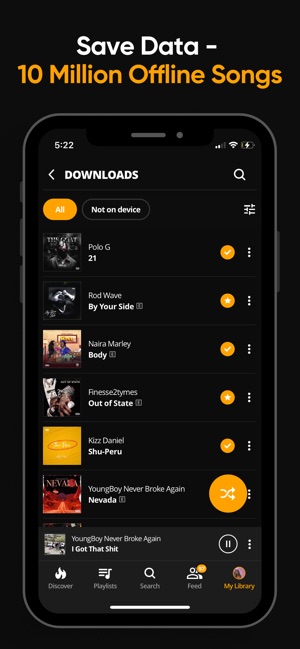
Audiomack combines mainstream and independent artist content, making it the perfect music-downloading app for music explorers. The app’s interface is sleek and intuitive, organizing content by genre, mood, and trending charts. Navigation feels natural with minimal learning curve, even for first-time users. Audiomack excels at personalization, offering recommendations based on listening habits that actually feel relevant rather than generic.
Pros
- Unlimited downloads with no subscription required
- Advanced audio modification tools (speed, pitch, reverb)
- Excellent discovery features for new artists
- Global genre coverage including Afrobeats, amapiano, reggae
Cons
- Ad experience can be intrusive in free version
- Some mainstream artists have limited catalogs
- Occasional sync issues between devices
The offline songs download feature works flawlessly, maintaining high audio quality without excessive storage consumption. You can download entire albums or individual tracks with just a tap and easily manage your offline library. The unlimited skips and repeats policy (even in the free version) is refreshingly generous compared to competitors. Its Audiomod tool allows you to adjust playback speed, change pitch, and add effects to customize your listening experience. The platform also facilitates direct artist-to-fan connections, sending notifications about new releases from artists you follow.


True Free Downloads Without Subscriptions
TREBEL Music delivers on its promise of truly free music downloads without requiring subscriptions or credit cards. This app has carved out a unique position in the market by offering licensed music from major labels through an innovative monetization model. The interface is straightforward and visually appealing, with a focus on making the download process simple.
Pros
- Genuinely free downloads without subscription requirements
- Licensed content from major labels ensuring legality
- Built-in song identification feature
- Unlimited skips and truly offline playback
Cons
- Not all popular songs are available
- Ad system can be somewhat intrusive
- Requires iOS 14 or newer
Song discovery is well-implemented through curated playlists, trending charts, and genre-based exploration. What sets TREBEL apart is its commitment to offline functionality – once downloaded, tracks remain available indefinitely without requiring periodic online verification. The download process is quick and efficient, though it occasionally includes a short ad before completion. Audio quality is consistently good at approximately 320kbps for most tracks. One standout feature is the Song ID function, which works similarly to Shazam by identifying music playing around you.


Pros
- Lightweight app with minimal system resource usage
- Simple, uncluttered interface
- Effective playlist management
- Fast loading and responsive controls
Cons
- Limited content library compared to competitors
- Basic features only, lacks advanced audio tools
- Minimal documentation and support
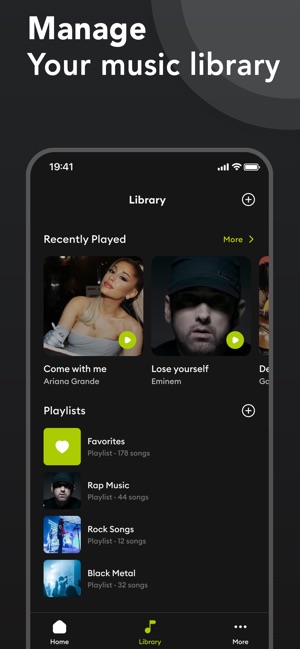
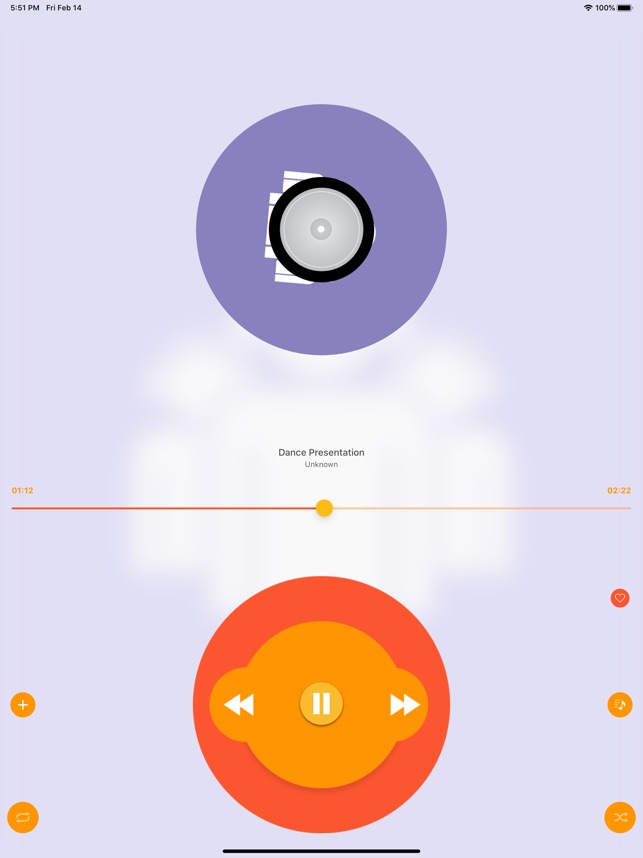
Spotube takes a minimalist approach to music management, focusing on essential functionality rather than overwhelming users with features. This app provides straightforward access to music content and emphasizes library organization. While the app name suggests Spotify integration (with “Spotube”), it functions more as a standalone player with its own content ecosystem. The library size is respectable though not as extensive as some competitors. Content organization is straightforward, allowing sorting by artist, album, or custom playlists. The download system works efficiently, with clear indicators of download progress and completion. Downloaded tracks are easy to access and manage through the library interface. Audio quality is consistent, though limited to standard quality rather than offering high-fidelity options.

Public Domain Focus for Free Music
Pros
- Completely legal content under Creative Commons licenses
- No account creation required
- Diverse content including audiobooks and poetry
- Clean, straightforward interface
Cons
- No mainstream commercial music
- Limited audio quality options
- Basic playback features only
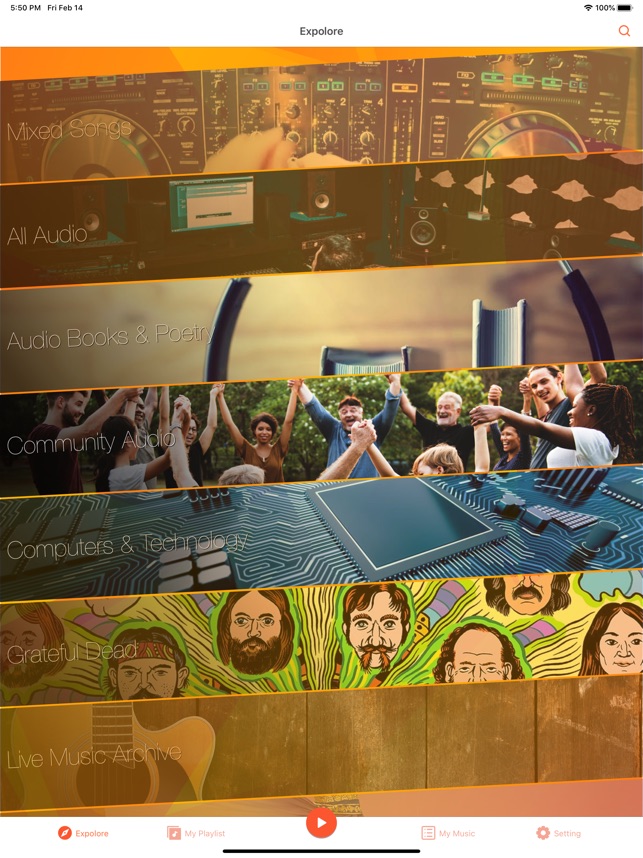
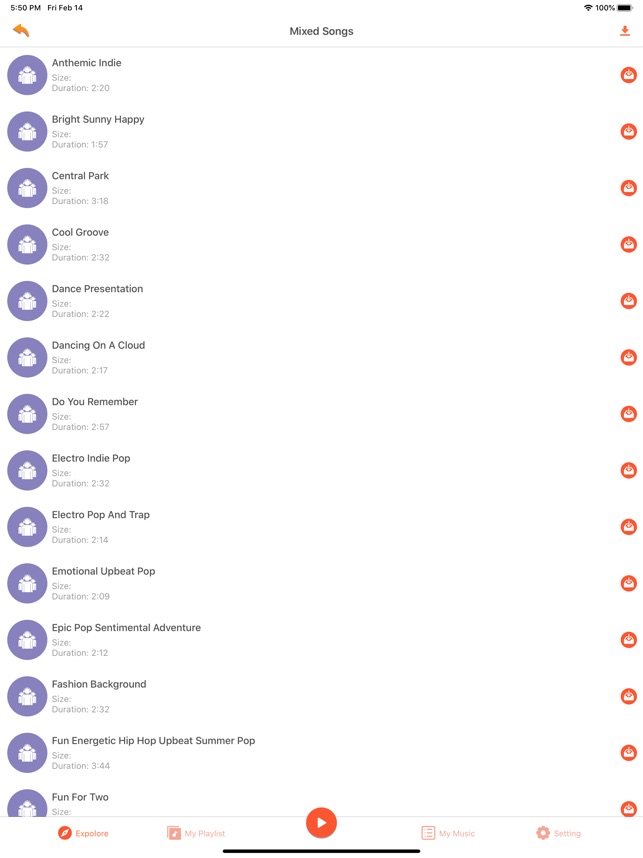
Music Downloader – MP3 Music focuses exclusively on public domain music, offering a legal way to download songs without copyright restrictions. This specialization makes it particularly valuable for specific user groups. The app features a clean, modern interface that is straightforward. Its categorized browsing options include Mixed Songs, Audio Books and poetry, and Community Audio sections. The search system is robust, allowing users to find music by song title, artist, album, or genre. Results appear quickly and can be filtered by various parameters. Audio quality varies based on the source material, but is generally acceptable for casual listening. While the content library is extensive within its niche, users seeking current mainstream hits will need to look elsewhere.



Pros
- Extensive feature set including equalizer and PiP
- Music recognition capability with playlist creation
- Video content in addition to audio
- Battery saving mode for extended playback
Cons
- Cannot download YouTube content, only stream
- Interface can be overwhelming for new users
- Occasional stability issues with extended use
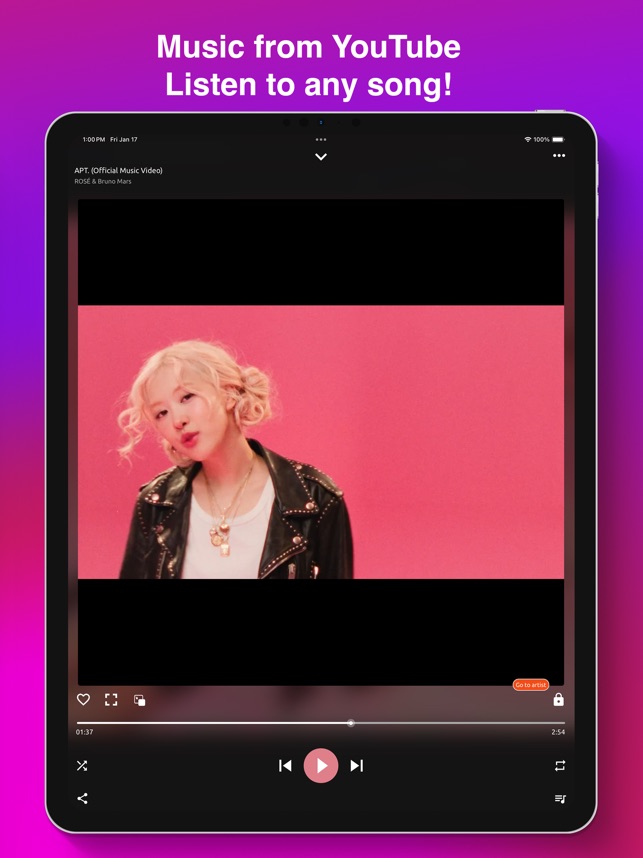
Music Downloader / MP3 Player offers music and video content through a feature-rich interface. This app stands out for its extensive functionality beyond basic music downloading. Content discovery is a strength, with the app offering trending charts, genre exploration, and AI-powered recommendations. The nearby music recognition feature is impressive, functioning similarly to Shazam but with integrated playlist creation based on identified songs. The player offers advanced features, including a 10-band equalizer with presets, variable-speed playback, and Bluetooth headset control integration. Video content is well-implemented, with picture-in-picture support allowing multitasking while watching. The content library is substantial, focusing on streaming rather than downloading from YouTube sources.


Creative Commons Collection
Pros
- Large library of legally downloadable content
- Selectable audio quality including lossless option
- Effective search with multiple parameters
- Integrated sleep timer functionality
Cons
- Subscription model for premium features ($2.99/month)
- Some features limited in free version
- YouTube content streaming only, not downloadable
Music Downloader For MP3 focuses on providing a straightforward experience for accessing and downloading Creative Commons-licensed music. Its claimed library of over 5 million tracks offers substantial content while maintaining legal compliance. The search system effectively allows queries by track, artist, album, genre, and even mood or instrument. Audio quality options are a highlight, with the ability to select different quality levels, including a “lossless” option for supported tracks. The offline player includes standard controls plus valuable additions like a sleep timer. YouTube streaming integration expands the available content, though as clearly stated, this content can only be streamed, not downloaded.
Pros
- Legally compliant content focus
- No account required
- Simple, straightforward interface
- Storage-efficient streaming option
Cons
- No commercial music content
- Basic player functionality
- Limited customization options
Another app named “Music Downloader – MP3 Music” also focuses on public domain content but implements it with some unique characteristics worth separate consideration. Its content is exclusively drawn from legal public domain and Creative Commons sources, ensuring compliance with copyright laws. Categories include mixed songs, audiobooks, poetry, and community audio. The library is extensive within this niche, though naturally excludes commercial mainstream releases. Download functionality works efficiently, with clear progress indicators and simple management of saved content. The streaming option provides flexibility for those concerned about device storage. Playback includes standard controls like repeat and shuffle functionality, delivering a solid, if not basic, listening experience.


Brazilian Music and Indie Discovery
Pros
- Unique content focus on Brazilian and independent music
- Strong editorial curation with 60+ original playlists
- Artist “Stories” feature for exclusive updates
- Effective personalization engine
Cons
- Limited mainstream international content
- Interface text occasionally mixes Portuguese and English
- Some features less intuitive for non-Portuguese speakers
Palco MP3 offers Brazilian music and independent artists, creating a platform for discovering sounds you won’t find on mainstream services. With over 18 years in operation, it has built a substantial library of over 1.6 million songs from 138,000 active artists. The personalization engine efficiently learns user preferences, creating increasingly relevant recommendations over time. The unique “Stories” feature provides Instagram-style updates from artists, adding a social dimension to music discovery. Download functionality works smoothly, allowing offline access to tracks, albums, and playlists. Audio quality is consistent and appropriate for mobile listening. The playback experience includes standard controls plus useful additions for managing downloaded content.


Pros
- Zero advertisements in the interface
- Social features for music discovery
- Integrated lyrics display
- Cloud service integration for importing personal music
Cons
- Some premium features require subscription
- Social functionality depends on friend adoption
- YouTube integration limited to streaming
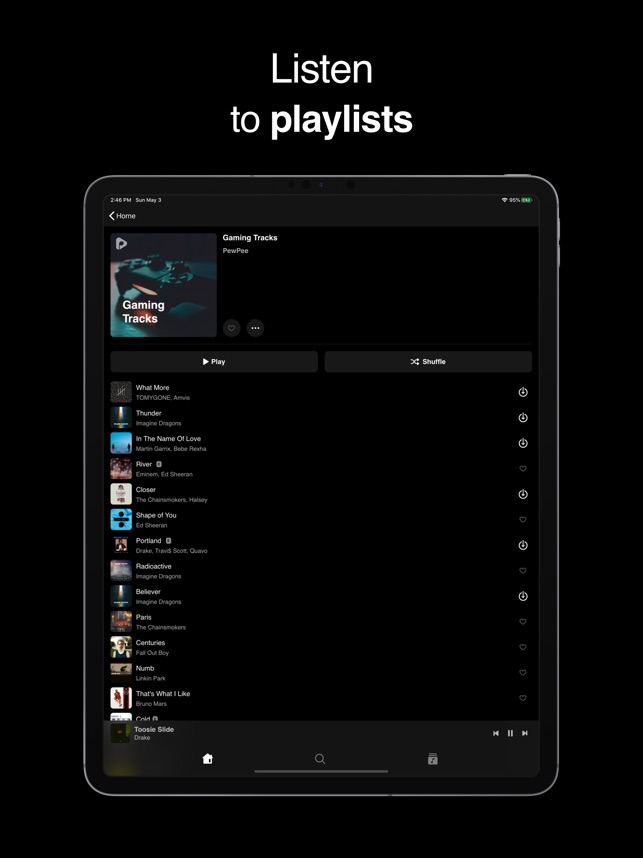
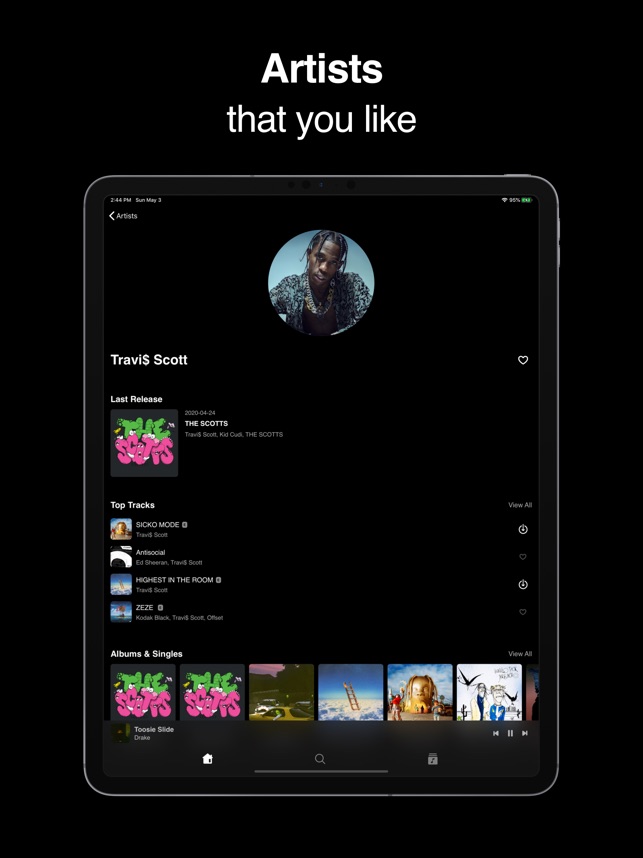
PewPee differentiates itself by combining music downloading functionality with social features, creating a community-oriented listening experience. The library contains over 150 million songs (including YouTube integration), making it impressively comprehensive. Search functionality is robust, covering artists, albums, songs, and playlists with accurate results. The social “Feed” feature shows friends’ listening activity and enables music discovery through social connections. Additional functionality includes lyrics display, playlist creation and sharing, and music importation from external sources, including cloud services like Google Drive and Dropbox.


Cloud-Based Music Manager
Pros
- Comprehensive cloud service integration
- Advanced audio features including equalizer and crossfade
- ID3 tag editing capability
- External streaming to Apple TV and Chromecast
Cons
- Doesn’t provide music content directly
- Learning curve for advanced features
- Some features require in-app purchase
Evermusic is good for its cloud integration and management of your existing music collection rather than providing content itself. This specialized functionality makes it invaluable for certain user scenarios. Cloud service integration is exceptionally comprehensive, supporting iCloud Drive, Google Drive, Dropbox, OneDrive, Box, MEGA, and numerous other providers. The seamless implementation allows browsing and streaming directly from cloud storage or downloading for offline access. Network protocol support extends to SMB, WebDAV, and DLNA, enabling connections to computers and NAS devices.
The playback features include an equalizer with presets, crossfade transitions, gapless playback, and audiobook-specific tools like bookmarking and variable speed. File management capabilities allow organizing, editing tags, and transferring music between storage locations.
After extensive testing, Audiomack stands out as the best overall choice for most iPhone users seeking free music downloads. Its combination of legal mainstream content, unlimited downloads without subscription, and advanced features like Audiomod make it exceptionally versatile. Which free music download app do you prefer for your iPhone? Have you discovered any hidden gems not included in our list? Share your experiences in the comments below!


..)

to download on spotify you need to have a premium membership
on free, you can only listen to playlists or artists on shuffle (on mobile) with ads after every couple of songs
Wow useless
this article is very helpful for me. Thanx for sharing this.