Audio Recorder Apps for iPhone & iPad to Capture High-Quality Audio in both Casual & professional setting
Whether you’re a student recording lectures, a journalist conducting interviews, or a musician capturing song ideas, having a reliable voice recording app on your iPhone or iPad is essential. While Apple’s built-in Voice Memos app works well for basic needs, third-party apps offer advanced features like noise reduction, advanced transcription, cloud syncing, and editing tools. We’ve curated the best voice recording apps based on sound quality, ease of use, and extra features to help you find the perfect one for your needs.
The Go-To Audio Recorder for iPhone & iPad
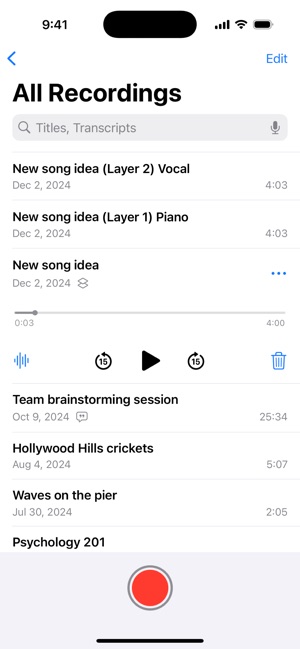
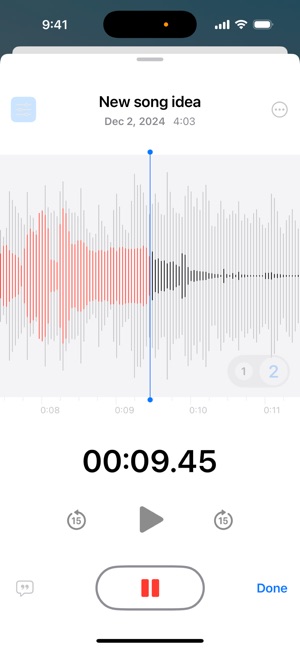
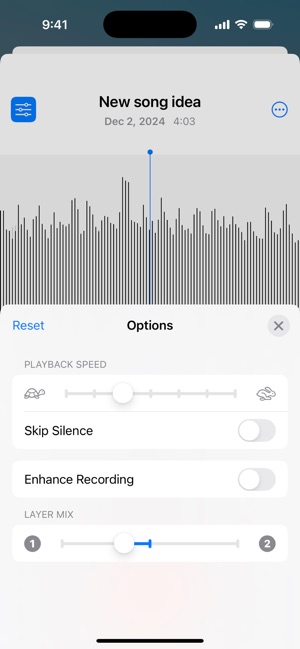
Apple’s Voice Memos app is the default voice recording solution for iPhone, iPad, and even Apple Watch users. While it may seem basic at first glance, it’s packed with features that make it a powerful tool for capturing everything from quick notes to professional-quality recordings. One of its standout additions is speech-to-text transcription, allowing users to convert recordings into searchable text. The latest update even introduces layered vocal recording, letting musicians and creators record vocals over an instrumental track without needing headphones—an exciting feature for songwriters on the go. With iCloud sync, users can seamlessly access and edit their recordings across all Apple devices, ensuring workflow continuity. However, you must purchase extra storage to expand the free 5GB limit.
The app simplifies editing with trim, replace, and “Save As” functions, letting users tweak recordings without fear of losing the original file. Features like Enhance Recording help reduce background noise and are lifesavers for interviews or lectures recorded in noisy environments. However, despite these strengths, some users feel the app lacks finer audio editing controls found in third-party alternatives. Another limitation is that advanced features, like layered vocal recording and voice transcription, are restricted to newer devices. If you need more customization options or multi-track editing, apps like Ferrite Recording Studio or AudioShare might be better.


A Feature-Packed Audio Recording Companion
For users who need more than just a basic voice recorder, Voice Recorder & Notes Pro offers an impressive suite of features that cater to professionals, students, and creatives alike. The app supports voice-activated recording, which saves storage space by only capturing speech and preset time recording, allowing users to schedule recordings automatically. The mix recording mode is particularly useful for musicians and podcasters, as it enables recording over selected audio. Unlike Apple’s Voice Memos, this app also supports external stereo microphone and Bluetooth headset recording, giving users more flexibility in capturing high-quality sound remotely.
Beyond recording, the app shines with its advanced audio editing tools. Users can trim, adjust pitch and speed, merge or split audio files, and even reduce background noise—features usually reserved for dedicated audio editing software. The AI-powered transcription is a major plus for professionals who frequently work with interviews or meetings, while passcode protection ensures privacy. Another key advantage is the extensive cloud integration, allowing seamless backups and sharing across online platforms. However, some users report that real-time transcription can be inconsistent, and while the app boasts many features, the interface feels a bit cluttered compared to more streamlined alternatives.

Smart Transcription with AI-Powered Efficiency
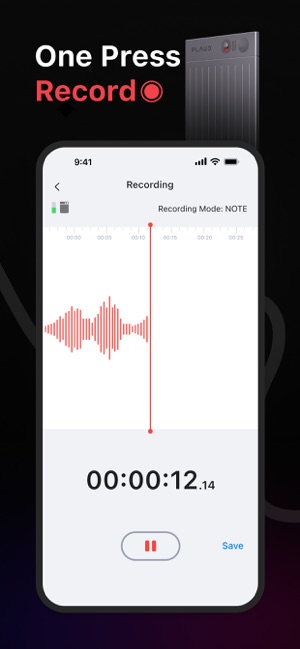
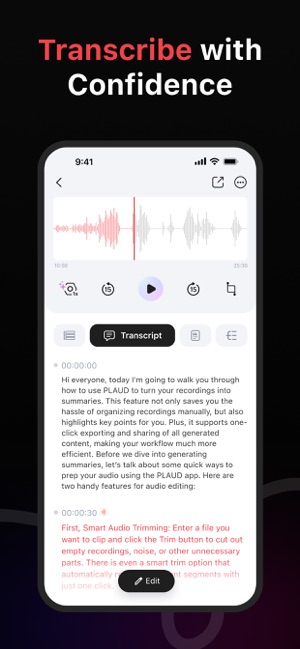
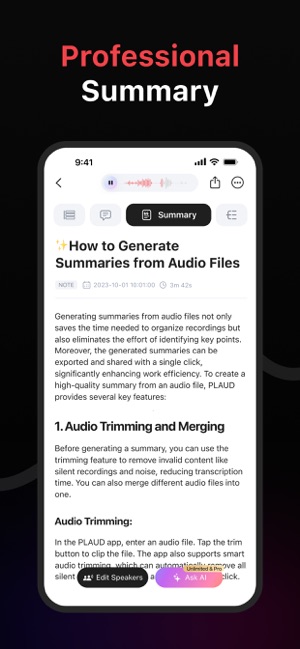
PLAUD is another newer app integrating advanced AI transcription, making it an excellent choice for professionals, journalists, and students who need accurate speech-to-text conversion. The app supports multiple languages, which is a huge advantage for international users or those working in multilingual environments. The AI transcription feature not only converts recordings into text but also enhances workflow efficiency, allowing users to easily organize and reference their notes. However, since transcription accuracy depends on audio quality and language complexity, results may vary.
PLAUD operates on a subscription-based model, which may not suit casual users. Additionally, while the app delivers solid transcription performance, the lack of built-in audio editing tools means users may need to rely on external software for further refinements.

A Versatile Recording Tool with Call Recording
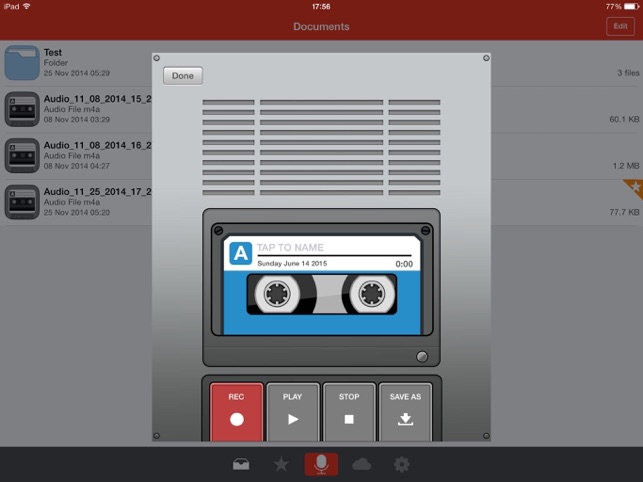
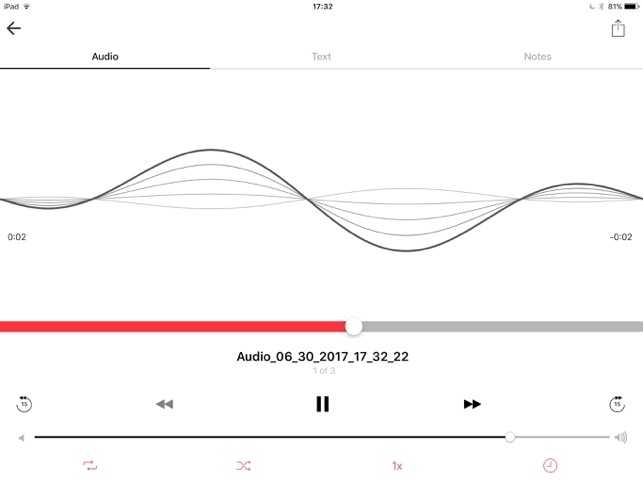
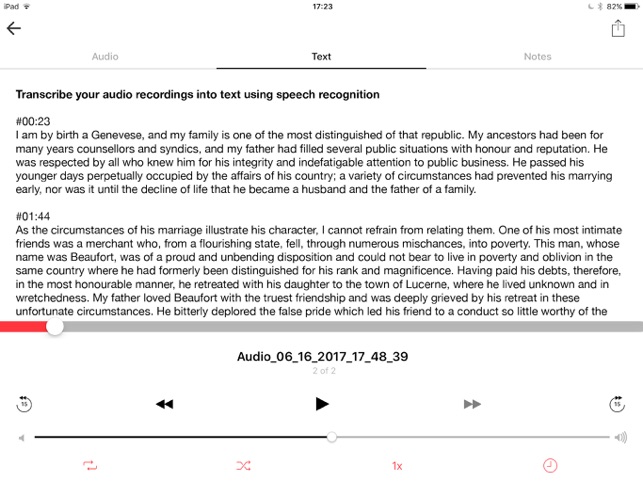
Voice Recorder & Audio Editor offers unlimited recordings, multiple audio formats, and cloud storage support; it’s a solid choice for frequent audio recording. A standout feature is the call recording function, which allows users to record incoming and outgoing calls—something not commonly found in free voice recording apps. However, this feature requires a monthly subscription and relies on 3-way conference calling. Additionally, the transcription and text note features are locked behind in-app purchases, making it less appealing for those looking for a completely free solution.

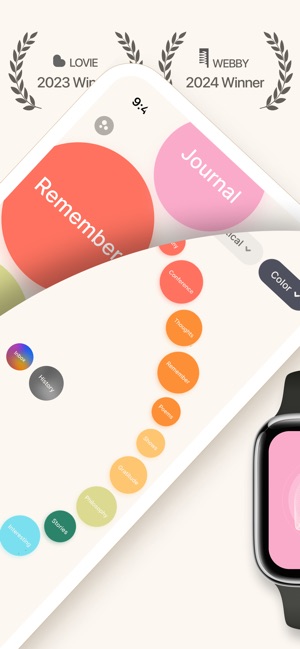

A Private & Voice-Driven Journaling Experience
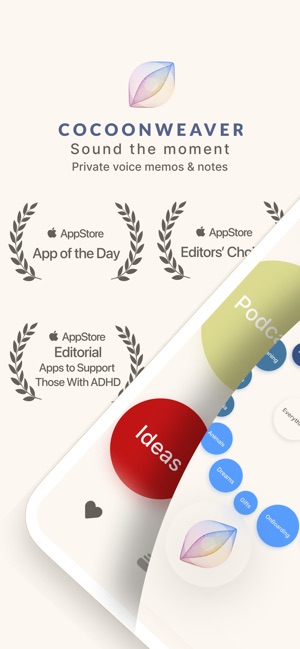
CocoonWeaver is a privacy-focused voice journaling app that allows users to capture thoughts effortlessly through instant voice notes and transcription. Unlike many other voice recording apps, it operates entirely offline, ensuring total data security without cloud processing or third-party access.
Designed for self-reflection, mental clarity, and personal growth, the app offers hands-free recording via Siri, geotagging, and category-based organization using its unique ‘Cocoons’ system. It’s an excellent tool for writers, creatives, professionals, and those managing stress or ADHD, providing a distraction-free interface for seamless voice note-taking. For those seeking a secure, offline, and voice-activated note-taking app, CocoonWeaver is a top choice, blending mental well-being with productivity in an intuitive package.


A Feature-Packed, Free Voice Recorder
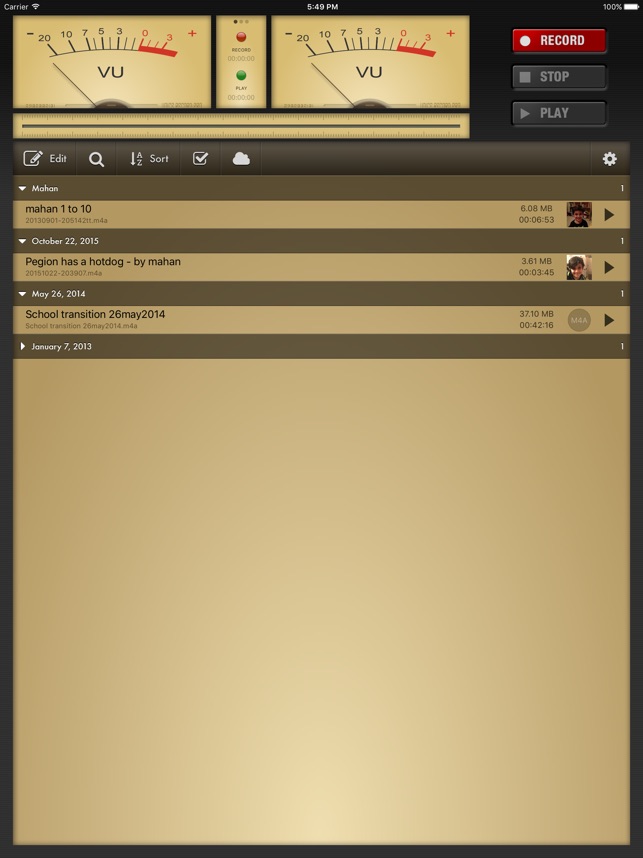
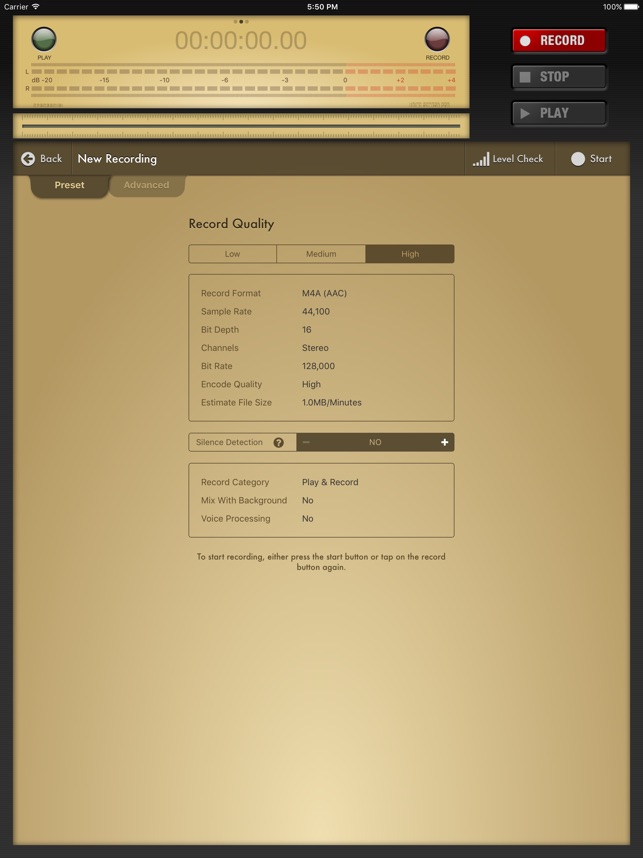
Voice Record Pro is a powerful and professional-grade voice recording app for iOS devices. All features are free, with an optional in-app purchase to remove ads. This app supports multiple formats (MP4, MP3, WAV) with fully configurable quality settings, making it ideal for detailed audio customization. It includes silence detection recording, stereo support, real-time effects, and bookmark functionality for enhanced usability.
Beyond recording, Voice Record Pro offers robust editing and export features, including trimming, merging, applying audio effects, and ID3 tag modification. Users can easily share recordings via cloud storage apps, FTP, email, Bluetooth, and even YouTube. Additional features include playback speed control, AirPlay support, reminders, and passcode protection.


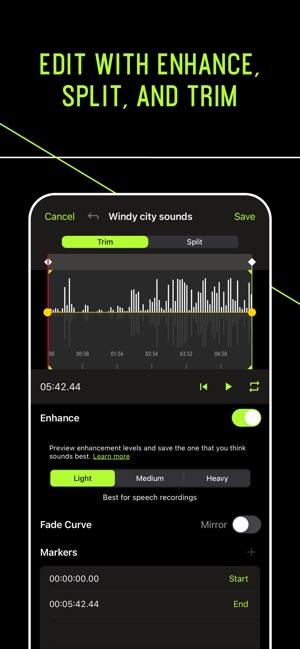
Professional Recording & Editing by Shure
MOTIV is a high-quality digital recording app for precise audio capture and editing. Whether you’re using a Shure MOTIV microphone or just your iPhone’s built-in mic, it delivers professional-grade recordings with uncompressed WAV support. The app also provides high-resolution metering and compressed format saving for optimized storage.
When paired with a Shure MOTIV microphone, users gain 36 dB of adjustable gain, preset modes, a 5-band equalizer, limiter, and compressor controls, making it a powerful tool for musicians, podcasters, and content creators.



Studio-Quality Audio & Video Recording
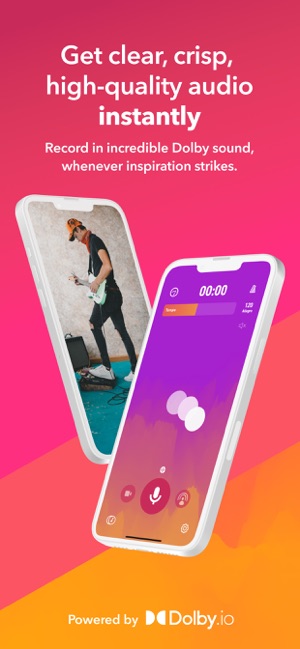
Dolby On transforms your phone into a high-quality recording studio, offering audio and video recording capabilities, as well as the option to livestream on Twitch Perfect for musicians, podcasters, and content creators. The app enhances your recordings with automatic noise reduction, dynamic EQ, stereo widening, compression, de-essing, and volume maximization, making it ideal for musicians, podcasters, and content creators.
To record audio, simply tap the microphone icon, and the app will start capturing your sound immediately. Dolby On automatically applies studio-grade effects such as noise reduction, normalization, and fade effects to ensure your recordings sound professional without needing additional adjustments.
Once your recording is done, you can easily rename and organize your tracks within the app. With Dolby On, you can effortlessly create high-quality audio and video content, share it with your audience, and take your projects to the next level.


AI Transcribe streamlines the process of recording and transcribing important moments such as interviews, lectures, or voice notes. Once you’ve captured your audio, AI Transcribe automatically converts it into text, saving you the time and effort of manual transcription. The app supports over 100 languages, ensuring accurate transcription no matter what language you’re recording in.
You can easily edit your recordings and transcribed text directly within the app to correct errors and add notes. Although it is free to download, some features require a subscription to unlock. This subscription includes access to advanced functionalities like unlimited recordings and transcription features. Note that the subscription renews automatically unless disabled within the specified time frame.

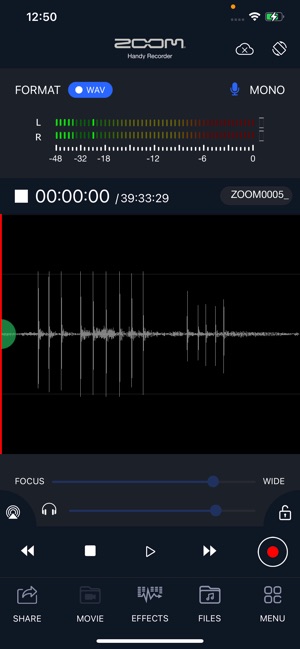
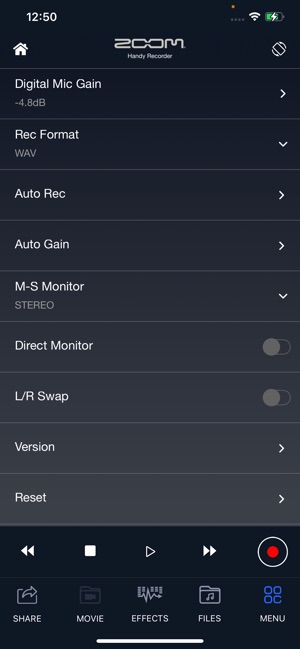

HandyRecorder is an excelent audio recording app, especially when paired with a ZOOM iQ series mic. It allows users to capture audio in high-fidelity linear PCM or space-saving AAC formats, offering flexibility in sound quality and file size. The app supports bit rates of 64, 128, or 160 kbps for AAC recordings, and the AUTO REC function enables automatic recording based on input signal levels.
The app includes a variety of effects such as a 6-band equalizer, reverb (with multiple room types like jazz clubs or concert halls), and mastering effects to enhance the recordings. Users can also normalize the audio for optimized volume or divide recordings into separate files. HandyRecorder allows direct uploads to iCloud and SoundCloud for easy sharing and features an “Auto Sync” function for automatic file uploads after recording.
Optimized for ZOOM iQ series microphones, the app provides specific settings for stereo width and gain control depending on the recording environment (e.g., concert, solo, meeting). The DIRECT MONITOR function enables headphone monitoring of the input signal without latency, and users can reverse the left and right channels when necessary.
With the right voice recording app, capturing high-quality audio on your iPhone or iPad becomes effortless. Whether you need a simple tool for quick notes or a professional-grade recorder with editing capabilities, there’s an option for everyone. Try out these top apps and find the one that suits your workflow best! Which one do you prefer? Let us know in the comments!