Top Anti-Theft Apps on the App Store: Protect Your Device Today!
Losing your iPhone or iPad can be stressful, especially with the risk of personal data falling into the wrong hands. Thankfully, anti-theft apps provide an extra layer of security, helping you track, lock, and recover your lost or stolen device. These apps offer features like real-time GPS tracking, remote locking, alarm activation, and even capturing photos of intruders. We’ve handpicked the best free anti-theft apps for iOS based on their effectiveness, user ratings, and security features, ensuring your device stays protected.
Apple’s Stolen Device Protection: An Extra Layer of Security
With phone theft rising, Apple has introduced Stolen Device Protection to enhance security. This feature prevents thieves from making critical changes to your account, even if they know your passcode. It requires Face ID or Touch ID authentication for sensitive actions in unfamiliar locations when enabled. It adds a one-hour security delay for high-risk settings like changing passwords or disabling Lost Mode.
How to Enable Stolen Device Protection
- Ensure Two-Factor Authentication, Find My, and Significant Locations are enabled.
- Go to Settings > Face ID & Passcode.
- Enter your device passcode.
- Toggle Stolen Device Protection ON.
This added security measure works alongside the best anti-theft apps for iPhone & iPad, ensuring your device remains protected. Now, let’s explore the top free anti-theft apps to safeguard your iPhone further!
What are the top third-party anti-theft apps in the App Store?



A Comprehensive Shield for Your iPhone
With digital security threats on the rise, F-Secure Mobile Security offers a robust all-in-one solution to protect your device and personal identity. This app goes beyond standard antivirus protection by integrating real-time malware and phishing defense, identity theft monitoring, and remote security controls. A standout feature to protect your device from theft is its Signal Flare, which automatically saves your device’s last known location when the battery is critically low—a handy tool for recovering a lost or stolen phone. Given Apple’s recent Stolen Device Protection update, F-Secure’s added remote lock and data wipe features align well with iOS’s focus on theft deterrence.
The app’s user-friendly interface makes navigation seamless, with clear options for scanning, browsing security, and privacy settings. Safe WiFi and Privacy Guard ensure protection from malicious sites and unsecured networks, making it ideal for frequent travelers. However, some users have noted that certain advanced features, like identity theft protection, are limited to US users, which could be a drawback for global customers. Compared to competitors like McAfee Mobile Security or Norton 360, which are more of antivirus apps for iOS, F-Secure stands out with its focus on data breach reports and remote security tools but lacks a built-in VPN.


A Basic Yet Pricey Protection Solution
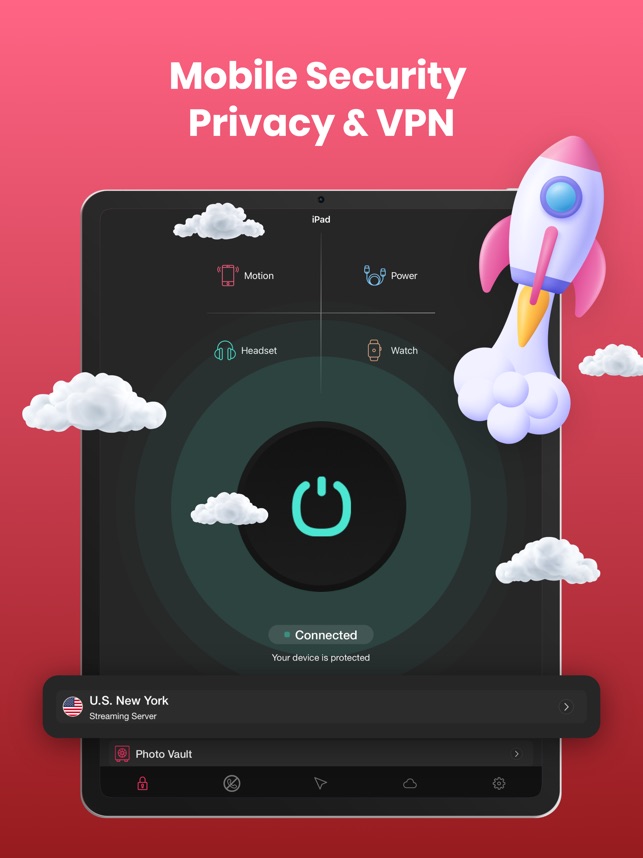
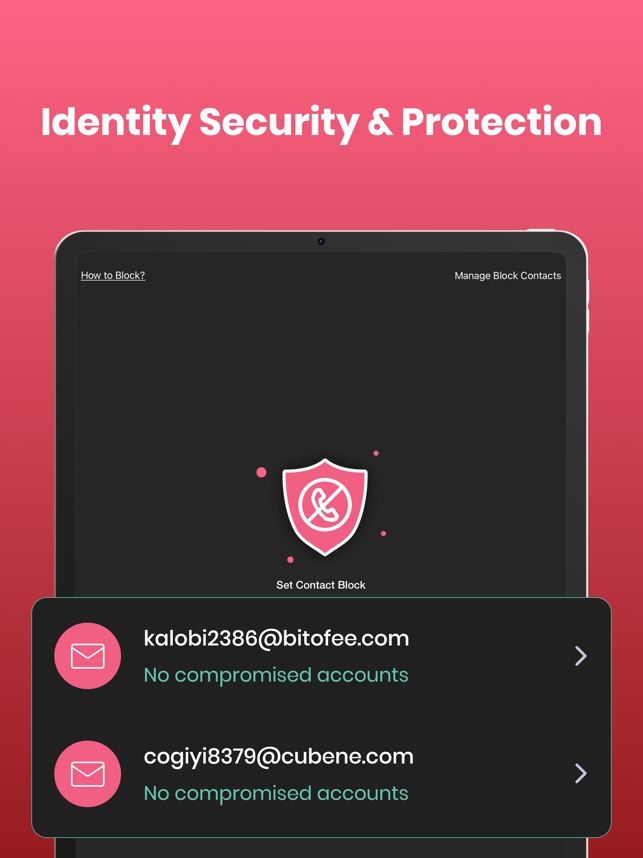
In an era where digital security is crucial, Mobile Security & AntiVirus offers a simple yet effective suite of protection features. Its core functionalities include anti-theft alarms, device location tracking, and photo and contact backups, ensuring users have essential tools to secure their personal data. The intelligent alarm system aims to deter theft by triggering a security alarm when unauthorized access is detected, which can be useful in public settings. Additionally, the backup feature provides a private cloud-based solution for preserving important files, though it lacks the broader security tools seen in more premium apps.
While the app provides a straightforward interface, its pricing model raises concerns. The subscription costs—starting at $2.99 per week or $49.99 annually—are steep compared to industry leaders like McAfee or Norton 360, which offer more comprehensive protection, including VPNs, malware detection, and phishing prevention, often at a similar price. Overall, it delivers basic security tools with a focus on anti-theft and backup services.



A Reliable Tracker with Strong Anti-Theft Features
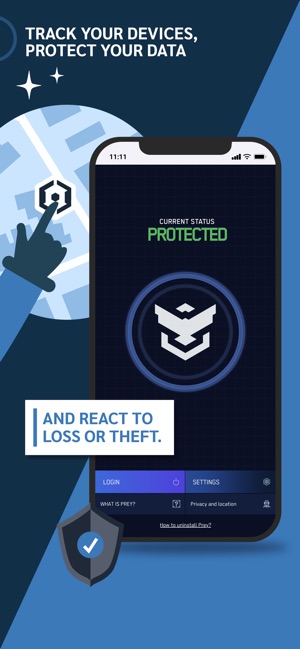
Prey is a trusted multi-device tracking and security app safeguarding lost or stolen devices for over a decade. Unlike basic find-my-phone apps, Prey offers real-time geolocation tracking, remote screen locking, alarm triggers, and device status monitoring, making it a powerful security solution for both individuals and businesses. The app allows users to manage multiple devices under a single account, providing a convenient online dashboard to oversee their security at any time.
One of Prey’s standout features is its Missing Reports, which capture device locations, network details, and screenshots to aid in recovery. While the free and starter plans cover essential tracking and security features, the Pro version unlocks geofencing (Control Zones), remote file retrieval, and even factory resets, making it a robust choice for organizations managing company devices. Unlike many competitors, Prey is open-source, prioritizing user privacy, and ensuring data is accessed only when necessary. For those who need a reliable anti-theft app with multi-device tracking, Prey is a strong contender. While the free version is great for personal use, businesses may find the premium plans more suitable for advanced security needs.


A Simple Yet Effective Anti-Theft Alarm
AntiSpy is a straightforward protection app designed to prevent unauthorized access to your device. Whether you’re worried about theft or just want to ensure no one snoops through your phone, this app offers a loud alarm system that activates the moment someone picks up your device without permission. It’s a simple but effective way to deter potential intruders, making it particularly useful in public spaces or shared environments.
While AntiSpy provides a basic layer of protection, it lacks advanced security features like remote tracking, device locking, or data encryption, which are commonly found in more comprehensive mobile security apps. However, its ease of use and instant alarm activation make it a great tool for those seeking a quick theft deterrent without complex settings. AntiSpy is ideal for users looking for a no-fuss anti-theft alarm rather than a full-fledged security suite. If you need additional protection, pairing it with a more robust mobile security app may be a better solution.


A Smart Security Alarm for Everyday Use
WTMP is another better security-focused app designed to detect unauthorized access to your device. A customizable scene alarm system offers multiple security modes like pocket mode, movement detection, charging protection, and earphone mode, making it versatile for different situations. Whether you’re in a crowded subway, asleep, or just want to safeguard your phone, WTMP ensures you’re alerted if someone attempts to unlock or move it.
While the app excels at preventing unauthorized access, it lacks features like remote tracking or data protection, which are crucial for comprehensive mobile security. However, its low-cost subscription plans and customizable alarms make it a great choice for those looking for a simple yet effective way to monitor access to their device.


A Smart and Versatile Anti-Theft Alarm for Your Phone
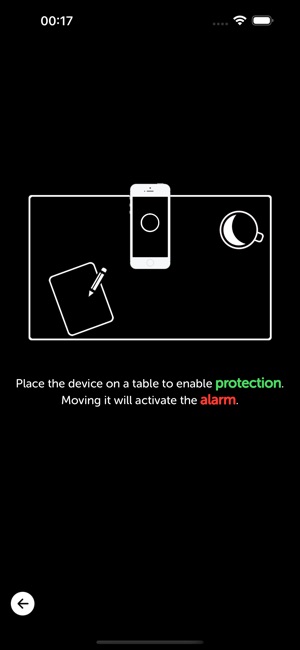
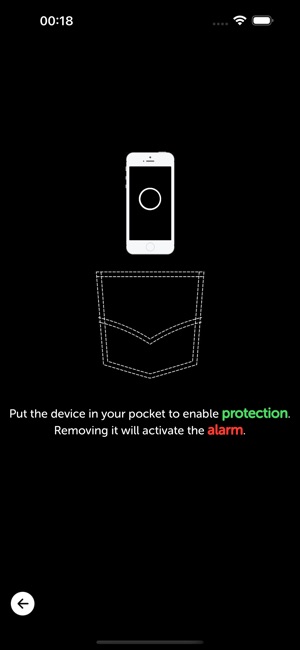
iAntiTheft is a feature-packed anti-theft alarm that helps prevent unauthorized access and potential theft of your phone. It offers four unique security modes—Power Mode (triggers when unplugged), Motion Mode (activates if moved), Pocket Mode (alerts if removed from your pocket), and Earphone Mode (alarms when unplugged). The Smart Auto-Protection feature ensures hassle-free security, selecting the best mode based on your situation.
Unlike some other security apps, iAntiTheft does not provide device tracking or remote lock options, making it more of an instant theft deterrent than a full-fledged security suite. However, it works seamlessly with Face ID, Touch ID, and passcodes, and even locks volume at max for increased effectiveness. If you need a simple yet highly effective theft prevention app, iAntiTheft is a great pick. For full mobile security, consider pairing it with a tracking or antivirus app.

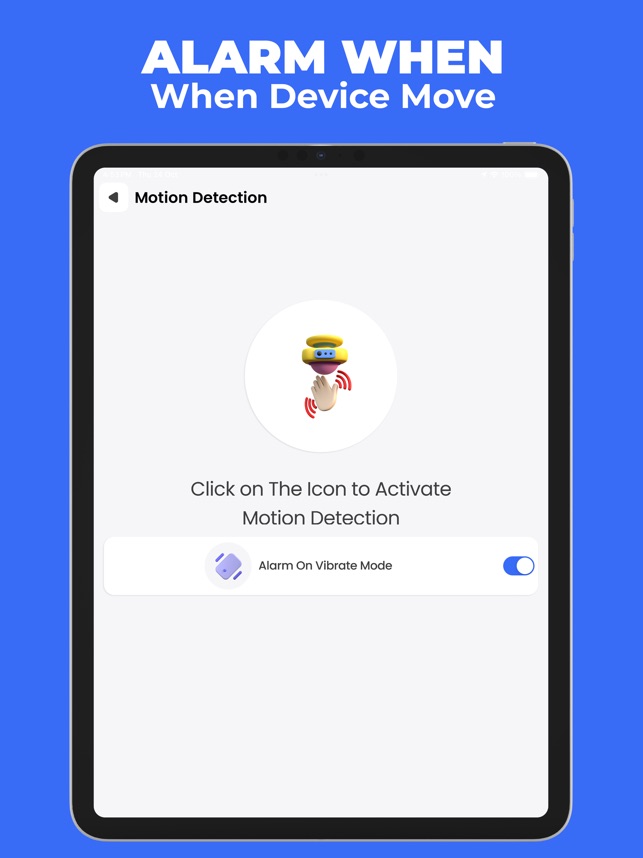
A Versatile Security Alarm for Your Phone
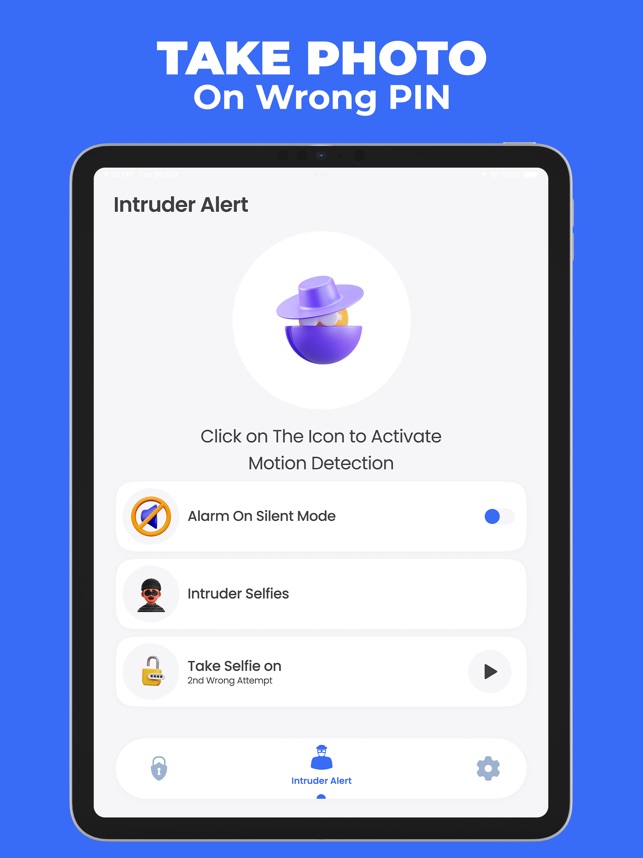
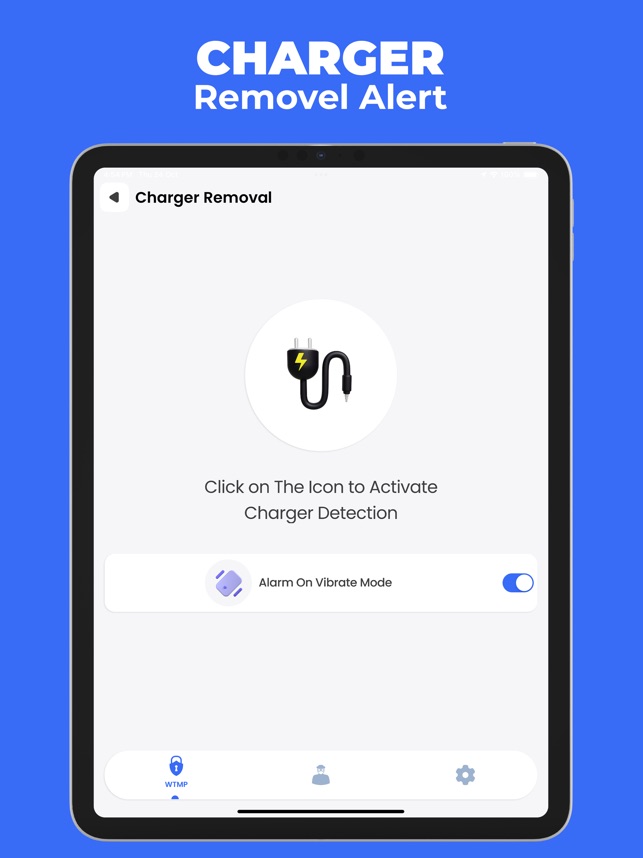
Anti Theft Alarm Motion Alert is a good app that helps users protect their iPhones from theft or unauthorized access. With features that detect movement, charger removal, and changes in location, the app serves as a personal security system, ensuring that any suspicious activity triggers an immediate alarm. This can be particularly useful in crowded areas, public spaces, or situations where a phone is left unattended.
For those concerned about theft, the charger remover alert provides a sense of security when charging a phone in public places. If someone attempts to unplug the device, a loud alarm is triggered, drawing attention to the situation. The anti-touch alarm works similarly, sounding off if an unauthorized person tries to pick up the phone, making it an effective deterrent against casual theft. Additionally, the location sensor alarm activates when the phone is moved from its place, offering an extra layer of protection.
While the app is a good tool to prevent theft in real time, it does not offer more advanced features like remote tracking, locking, or data security. Users looking for comprehensive anti-theft protection may need to combine it with a tracking solution such as Prey or Find My iPhone. However, it provides a straightforward and effective solution for those who primarily want an audible deterrent to keep their device safe from unauthorized access.


Keep Intruders Away with Smart Monitoring
“Who Touched My Phone protect your device by tracking unauthorized access attempts. Its core feature allows users to detect and record any attempts to unlock their phone, capturing an intruder’s selfie along with the time and date of access. This functionality offers peace of mind, especially for those who leave their phones unattended in public or shared spaces. Unlike traditional anti-theft apps that rely on alarms, this app takes a more discreet approach by logging incidents without drawing immediate attention.
Many users appreciate its effectiveness in identifying unauthorized access, though some have pointed out limitations in its overall security coverage. While it excels in logging access attempts, it lacks advanced protective measures against spyware or remote hacking. Compared to similar apps, it stands out for its no-fuss approach and ease of use. While it may not offer comprehensive security solutions, it effectively fulfills its primary purpose.
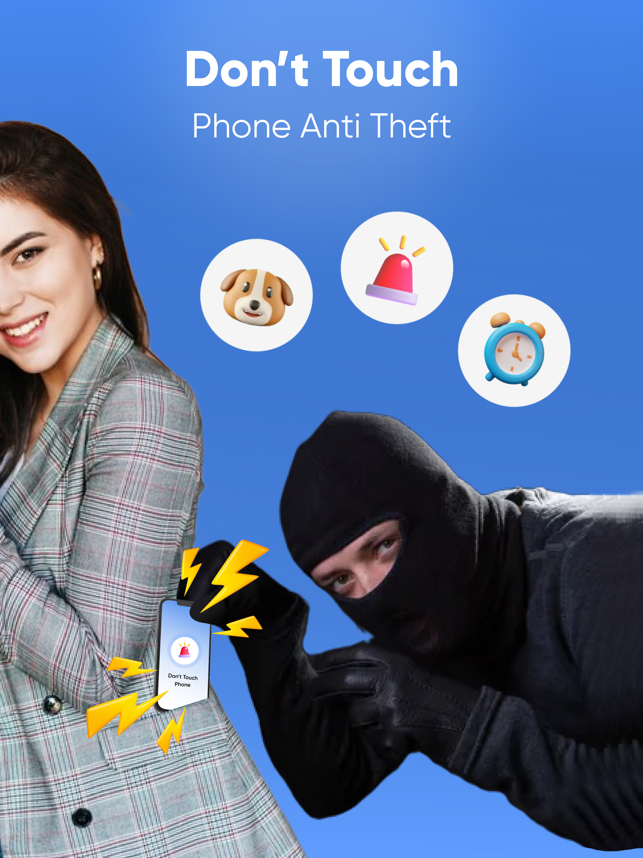
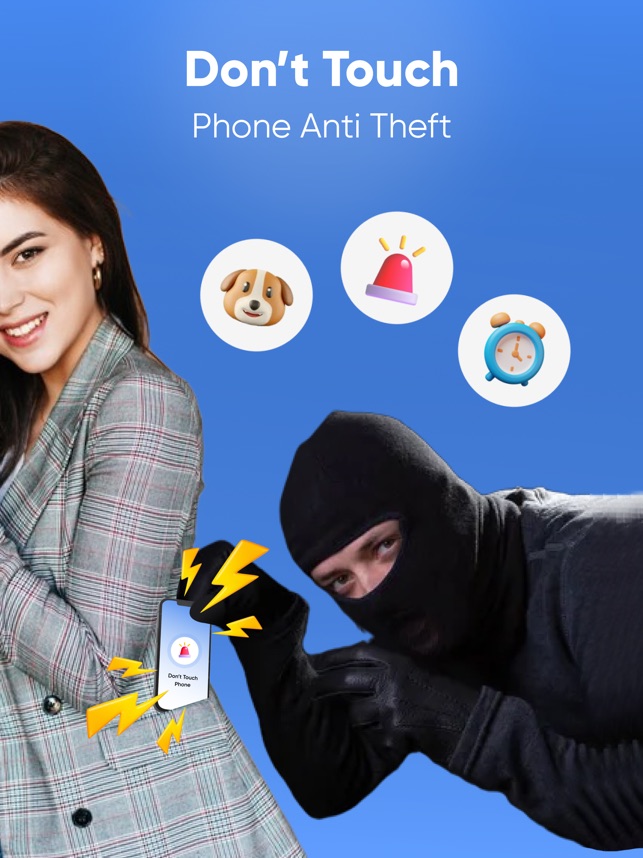


A Simple and Effective Way to Protect Your Device
Don’t Touch My Phone: AntiTheft safeguards your phone from unauthorized access with its intruder detection system, which triggers an alarm whenever someone attempts to access it without permission. The app also captures the intruder’s actions, adding an extra layer of security for those who want to protect sensitive information. Customizable alerts and sound notifications offer peace of mind, especially in crowded places or when leaving your phone unattended.
Setting up the security system is straightforward, thanks to step-by-step instructions provided within the app. Some users have appreciated the one-tap activation feature, which allows them to turn on or off the security alarm quickly. However, the app could benefit from more advanced features like remote locking or location tracking for added protection.


A Reliable Protection App for Your iPhone
Anti-Theft Guard offers real-time alerts if someone attempts to steal or tamper with your phone. It has a wide range of features, including a siren that activates when your phone is moved, when proximity sensors detect something in front of it, when your SIM is ejected, or even if your device is unplugged from charging. One of the app’s unique selling points is its ability to notify you when the phone reaches a full charge, providing extra peace of mind when charging your phone in public or unfamiliar places.
The app is straightforward to set up, requiring users to set a passcode and select the protection areas based on personal needs. While the interface is user-friendly, some users may find the constant background activity draining on battery life. Although “Anti-Theft Guard” offers robust features, it might not be as advanced as some other anti-theft apps that include GPS tracking or remote wiping capabilities.
With these free anti-theft apps for iPhone and iPad, you can safeguard your iPhone and iPad against theft and loss. Whether you need real-time tracking, remote access, or an emergency alarm, these apps provide essential security features without costing a dime. Which anti-theft app do you trust the most? Let us know in the comments!